How-to
Resize a passport or ID photo to the correct dimensions
Passport and ID photo requirements specify exact dimensions in millimetres and a minimum resolution in DPI. Online government portals and photo printing services often reject photos that do not match these specifications. This guide shows how to resize your photo to the required dimensions in your browser, without uploading it to any service.
Step by step
- Check the exact dimensions required by the authority or portal you are submitting to. Common specifications: France requires 35x45 mm at 300 DPI (equivalent to 413x531 pixels at 300 DPI), which many portals accept as 600x800 pixels for screen submission. The UK uses 35x45 mm. The US requires 2x2 inches (51x51 mm). Always check the official specification for the country and document type you need: dimensions and aspect ratios vary.
- Open the image resizer and upload your photo. Set the width and height in pixels to match the specification for the portal. Lock the aspect ratio OFF so you can set both dimensions independently. Most passport photo specifications assume a fixed aspect ratio, so a correctly cropped photo should resize cleanly. If the portal specifies DPI, note that online submissions only care about pixel dimensions; DPI metadata matters only for print orders.
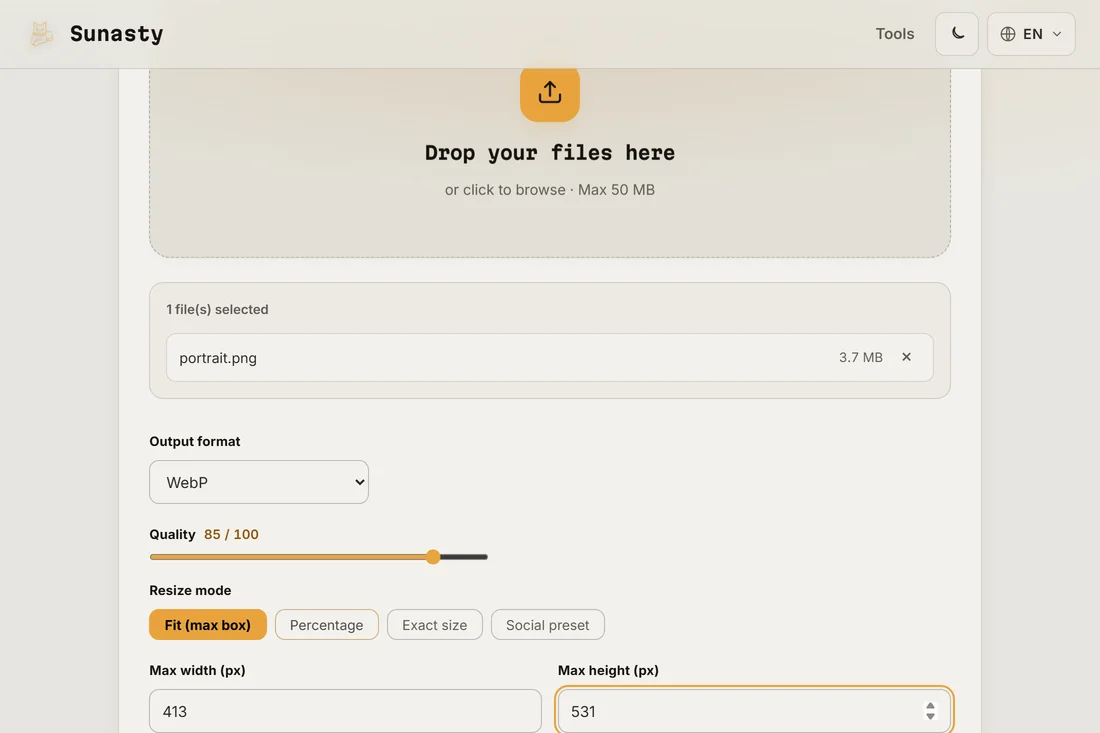
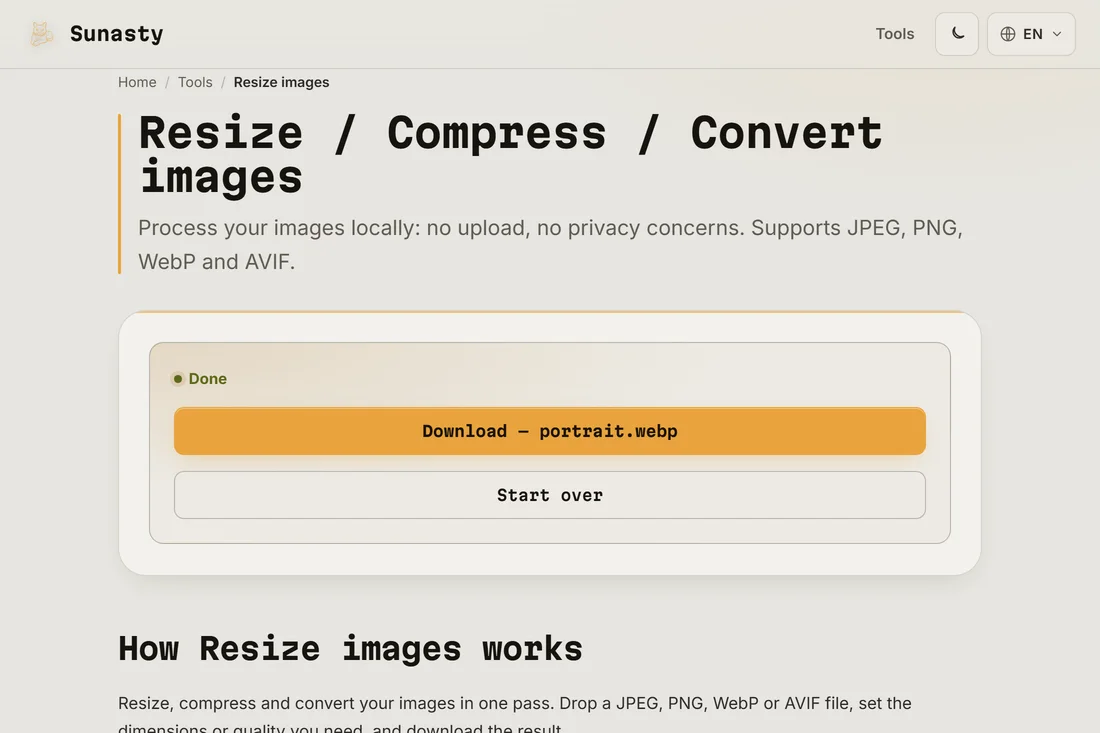
- Download the resized photo and check it visually before submitting. The photo should show your full face from the top of your head to just below your chin, centred and with a plain light background. If the face is off-centre after resizing, use the image crop tool first to crop a square or the correct ratio around your face, then resize to the target dimensions. Your photo was processed in your browser: it was never uploaded.
Pixels versus millimetres: what the portal actually checks
When a portal says 35x45 mm, it usually means it will print the photo at a specific DPI and needs the pixel dimensions to match. At 300 DPI, 35x45 mm equals 413x531 pixels. At 600 DPI (some high-resolution requirements) it equals 827x1063 pixels. Many portals accept a range and will auto-resize, but staying close to the specified size avoids rejection. When in doubt, use 413x531 pixels for a standard 35x45 mm photo: this is the most widely accepted resolution for European ID documents.
How to check the photo meets other quality requirements
Dimension and resolution are the technical checks. Portals also apply visual checks: the face must be centred, eyes open and looking at the camera, no glasses, neutral expression, and the background must be plain white or light grey. These checks are either manual (an officer reviews the photo) or automated (a face-detection algorithm scores it). A correctly sized but poorly framed photo will still be rejected. If you are unsure, crop to frame the face correctly before resizing, and compare the result to an official sample photo from the authority.
The tools used in this guide
- Resize images Resize and convert your images (JPEG, PNG, WebP) without uploading them.
- Crop image Crop your images with an interactive preview, drag and resize the crop area. No upload.
- Compress images Reduce image file size without uploading. Quality slider or target file size in KB. Batch supported.
Frequently asked questions
What is the standard passport photo size?
The most common passport photo size in Europe is 35x45 mm. The US uses 2x2 inches (51x51 mm). In France, the standard is 35x45 mm with a face height of 32 to 36 mm. China uses 33x48 mm. Always check the specification for the specific document and issuing country: there is no single universal standard, and submitting the wrong size is one of the most common reasons for rejection.
Can I use a photo I took with my phone?
Yes, as long as it meets the quality requirements: plain background, good lighting, face centred, eyes open. Phone cameras produce images at much higher resolution than needed, so resizing down is fine. Avoid heavy compression before resizing: start from the original photo, resize to the target dimensions, then use moderate compression only if the portal has a file size limit.