Format comparison
PNG vs JPG: which image format should you use?
PNG and JPG solve different problems: PNG stores pixels losslessly and supports transparency, JPG throws away detail your eye barely notices to make photos dramatically smaller. Pick by content, not by habit: interfaces and text want PNG, photographs want JPG.
What PNG does best
PNG is lossless: every pixel survives exactly, no matter how many times you open and resave the file. That makes it the right format for screenshots, UI mockups, logos, diagrams and anything with sharp edges or text, and it is the only one of the two with real transparency (an alpha channel). The price is size: on a photograph, a PNG can easily weigh several times the equivalent JPG.
What JPG does best
JPG is built for photographs: smooth gradients, natural textures, millions of colors. Its lossy compression discards detail the eye barely notices and shrinks photos dramatically at high quality settings. It has no transparency and it smears hard edges, which is why text and screenshots look fuzzy in JPG. The loss is also cumulative: re-saving a JPG over and over keeps degrading it slightly.
Convert and compare in your browser
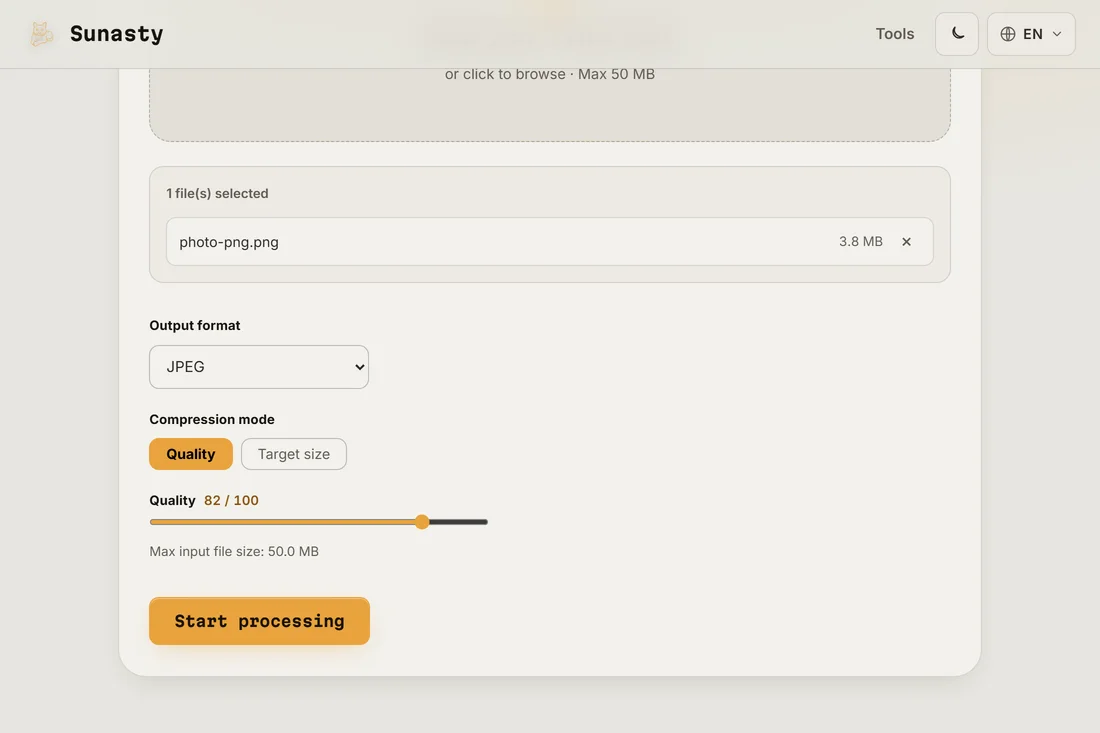
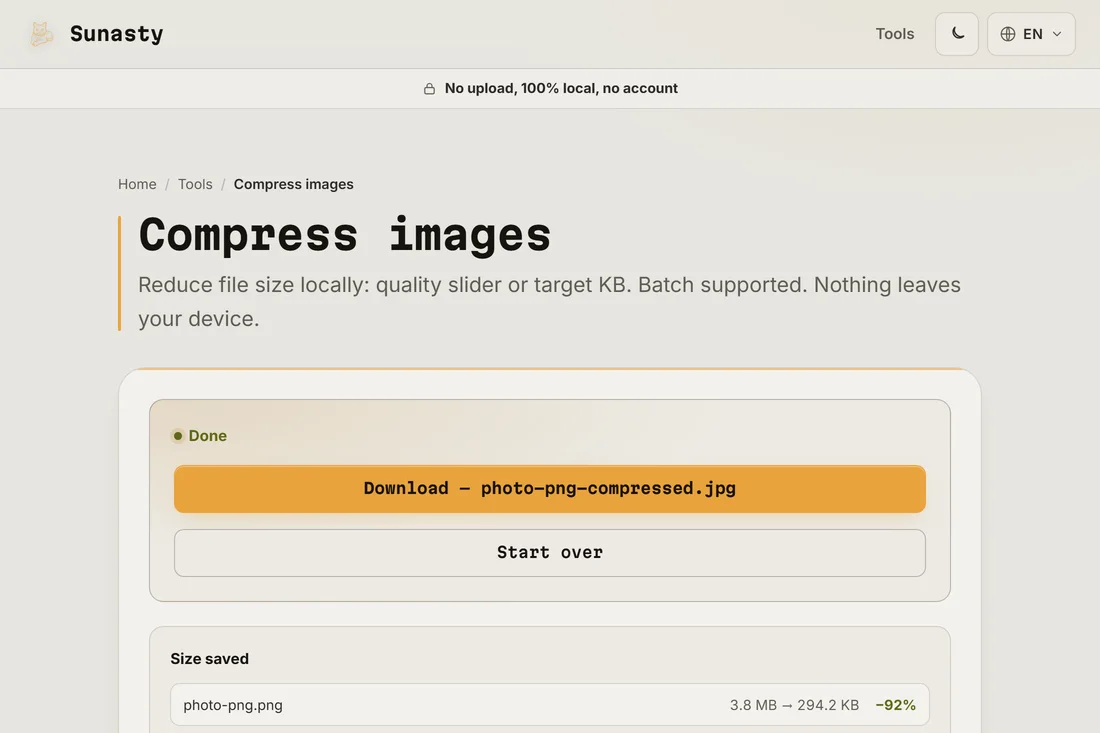
The fastest way to decide is to test on your own image: drop it in the image compressor, choose JPEG as the output format, and compare the size and the visual result side by side with the original. The browser's built-in canvas encoder handles both PNG and JPEG, so the conversion happens entirely in the tab, with no upload. You can drag in a screenshot and a photograph in the same batch and see at a glance which format suits each one.
The tools used in this guide
- Compress images Reduce image file size without uploading. Quality slider or target file size in KB. Batch supported.
- Resize images Resize and convert your images (JPEG, PNG, WebP) without uploading them.
- Image to Base64 Convert images to Base64 data URIs (and back) directly in your browser. Copy, CSS snippet, no upload.
Frequently asked questions
Should screenshots be PNG or JPG?
PNG. Screenshots are full of text and sharp edges, exactly what JPG compression smears first. A screenshot saved as JPG gets fuzzy lettering and halo artifacts around the edges; the PNG stays perfectly crisp and is often not much bigger for interface content.
Does converting a JPG back to PNG restore quality?
No. Whatever JPG compression discarded is gone for good; converting to PNG just stores the already-damaged pixels losslessly, in a much larger file. Convert PNG to JPG when you need a smaller photo, but keep the original PNG if you may need to edit it again.