Format comparison
HEIC vs JPG: which one do you actually need?
Short answer: HEIC is great on your iPhone, JPG is what the rest of the world expects. Apple’s format stores the same photo in roughly half the space, but the moment a file leaves the Apple ecosystem (a Windows PC, an upload form, an old printer) JPG is the safe bet.
What HEIC is and why your iPhone uses it
HEIC is a container for images compressed with HEVC, the codec behind 4K video, and iPhones have shot it by default since iOS 11. The argument is efficiency: Apple quotes roughly half the file size of an equivalent JPEG, which doubles how many photos fit on the same phone. It also stores things a JPEG cannot, like the frames of a Live Photo, the depth data behind portrait mode, and richer color than JPEG’s 8 bits.
When JPG is the right choice
Compatibility, and it is not a small thing. Upload forms that reject .heic files, Windows machines without the paid HEVC extension, older software, photo kiosks, many printers: JPG opens everywhere, every time, and that has been true for thirty years. Whenever a photo leaves your hands (a job application, a listing, an insurance claim, sharing with an Android user), send JPG unless the recipient explicitly handles HEIC.
How to convert HEIC to JPG, locally
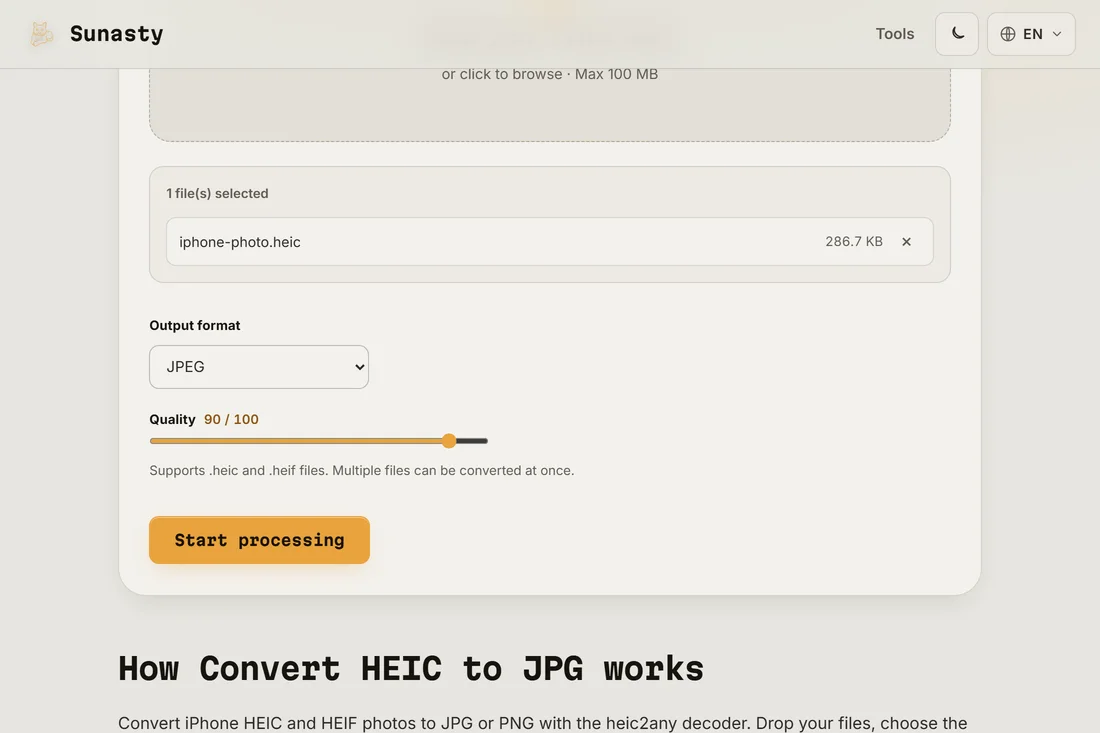
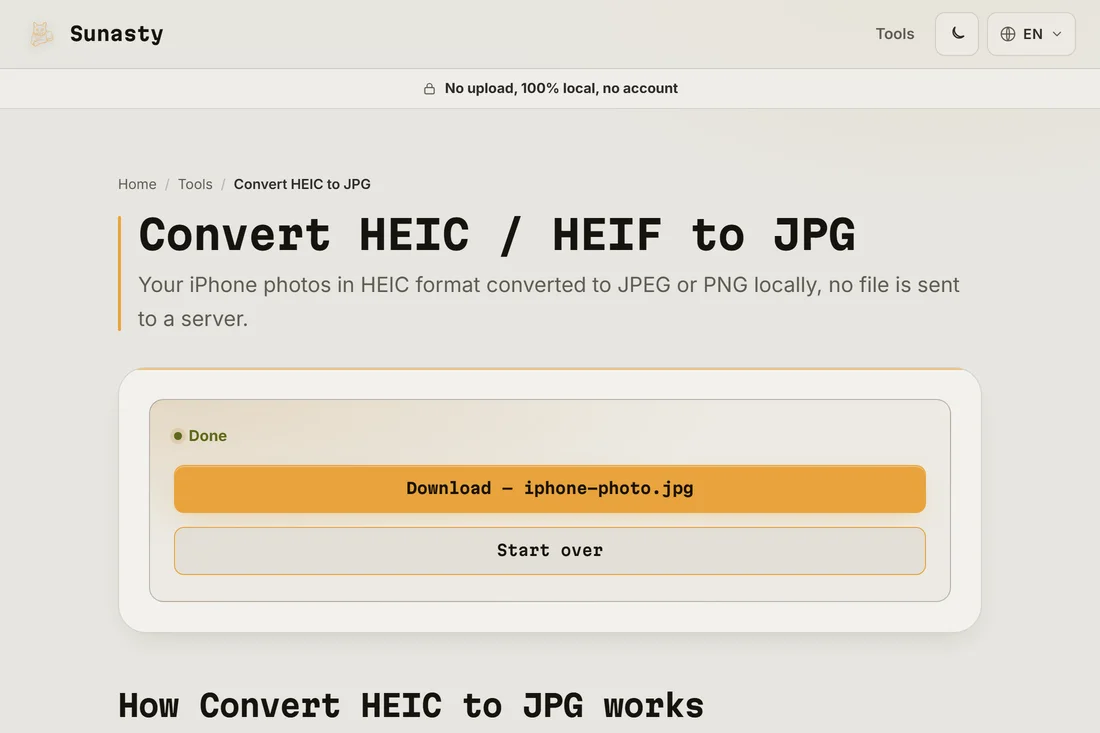
The converter on this site uses a WebAssembly build of the libheif decoder to read HEIC files directly in your browser, then re-encodes them as JPEG, PNG or WebP using the browser's own image APIs. You can convert several files at once and choose the JPEG quality. Your camera roll stays on your device throughout: the WASM module processes each file in memory and triggers a download, with no server involved in the chain.
The tools used in this guide
Frequently asked questions
Can I make my iPhone shoot JPG directly?
Yes. In Settings, Camera, Formats, pick Most Compatible and the camera saves JPEG instead of HEIC, at the cost of heavier files. High Efficiency switches back to HEIC. If you mostly share photos outside the Apple ecosystem, Most Compatible spares you the conversion step entirely.
Does converting HEIC to JPG lose quality?
Technically yes: JPEG is a lossy format, so re-encoding costs a little, invisible at a high quality setting. If no loss is acceptable (archiving, editing), convert to PNG instead, which is lossless but heavier. Either way, keep the HEIC originals if storage allows: they are your best source.