How-to
Add a watermark to your ID before sharing it online
When you send a copy of your ID card, passport or bank statement to a third party, that document can be reused for other purposes. Adding a visible watermark with a date and a reason limits that risk. This practice is recommended by French data protection authority CNIL and mirrors advice from privacy regulators in several other countries. This guide covers both flows: a photo scan using the image watermark tool and a PDF scan using the PDF watermark tool.
Step by step
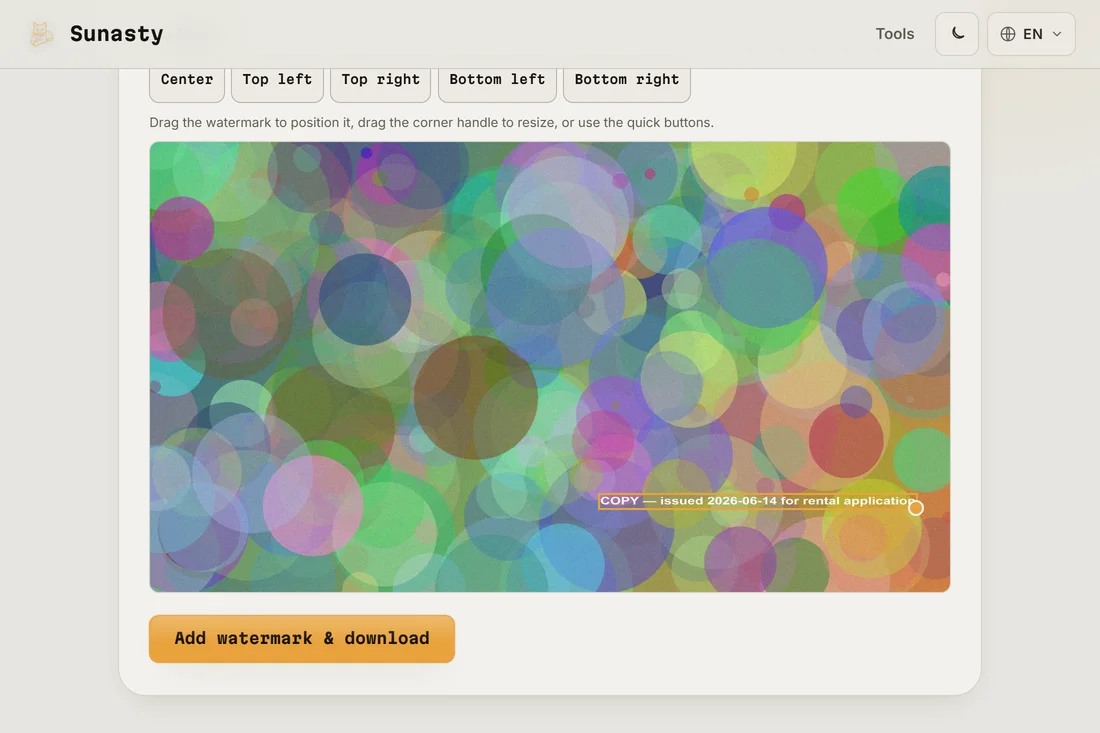
- Write your watermark text before opening any tool. A useful pattern is: copy issued on [date] for [purpose], for example copy issued on 2025-06-10 for rental application. This makes the document traceable to a specific request and of limited use to anyone who obtains it for a different purpose. Keep the text concise so it is legible without obscuring the document.
- Open the image watermark tool if your document is a photo or image scan (JPG, PNG). Open the PDF watermark tool if your document is already a PDF. Type your watermark text, choose a diagonal placement across the centre of the document, set opacity between 30 and 50 percent so it is visible without making the underlying text unreadable, and preview the result. If you want to hide information that is not relevant to the request, use the image redact tool first to black out the fields before watermarking.
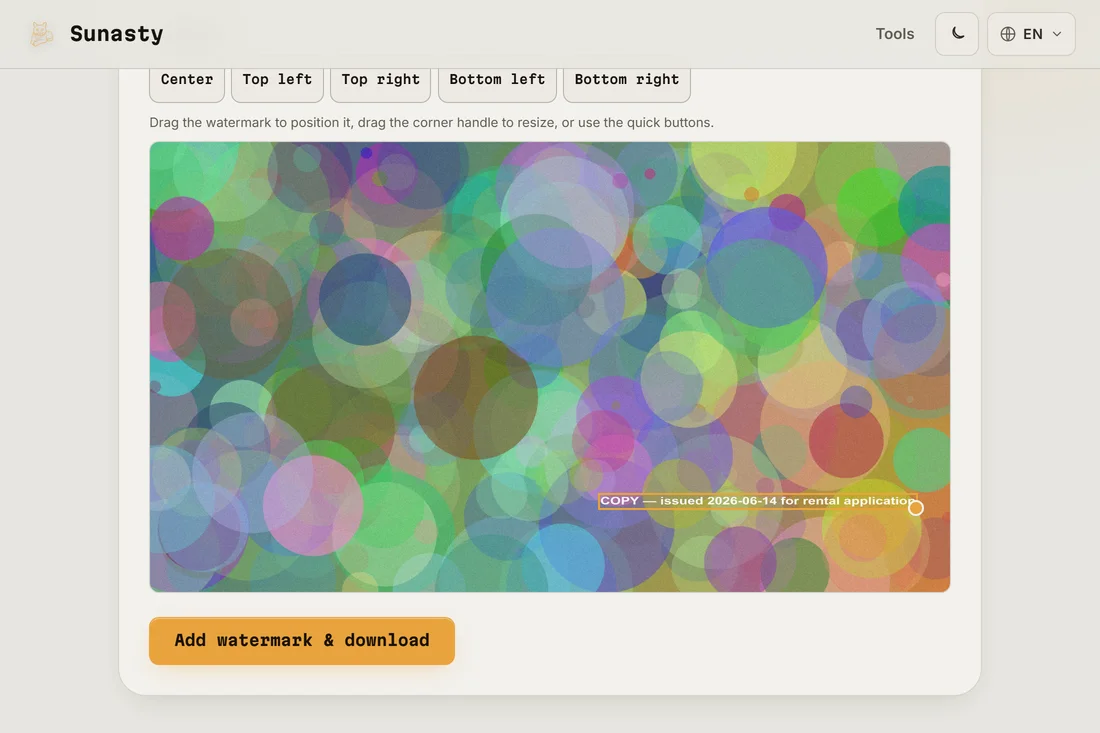
- Download the watermarked file and send that copy, not the original. Your document was processed entirely in your browser: neither the original nor the watermarked copy was uploaded anywhere. Store the watermarked copy with a note of the date and recipient so you have a record of what was shared and when.
What the watermark actually prevents
A watermark does not make your document impossible to reuse: anyone with basic image editing software can try to remove it. What it does is raise the effort required and make misuse traceable. A company that receives a copy marked copy for bank X cannot easily pass it off as a clean ID document to a different institution without visible editing. For a determined attacker the protection is limited, but for the most common opportunistic misuse (submitting your ID to an unrelated service, using your bank details in a false context) it is a meaningful deterrent. The CNIL recommendation exists precisely because this low-effort step significantly reduces a common fraud vector.
When to redact instead of, or alongside, watermarking
If a service only needs to verify one piece of information from your ID (your date of birth, for instance), consider blacking out the other fields rather than sharing the full document. The image redact tool lets you draw black rectangles over any part of an image. For a rental application that only needs your name and address, you can black out the ID number, the MRZ lines at the bottom and any biometric data. Redact first, then add the watermark to the redacted version.
The tools used in this guide
Frequently asked questions
Is a watermarked ID legally valid?
For most purposes, yes: services that request a copy of your ID accept a watermarked one. If a notary, bank or government body requires a certified copy, they will tell you explicitly, and that certified copy comes from an official channel (in-person verification, apostille) rather than a photo scan. The watermark is there to protect you when sharing informal copies, not to replace official certification.
What should I do if I shared an unwatermarked copy in the past?
You cannot undo a previous sharing, but you can reduce future exposure. Make watermarking your default for any new requests. If you are concerned about a specific sharing event, contact the recipient and ask them to confirm deletion, and check your credit report periodically for accounts you did not open.