How-to
Extract the audio track from a video
A lecture to listen to on the commute, a concert clip, an interview to transcribe: often the audio is all you need and the video is just dead weight. Extracting the track takes a minute in your browser, and the file never leaves your machine.
Step by step
- Open the audio extractor and drop your video in. MP4 is the classic case, but MOV, MKV, WebM and AVI work too; nothing is uploaded.
- Pick the output format and quality. MP3 at 192 kbps is the safe default for listening; WAV is lossless, for editing; AAC/M4A and OGG are efficient modern options. The hint under each menu tells you when it matters.
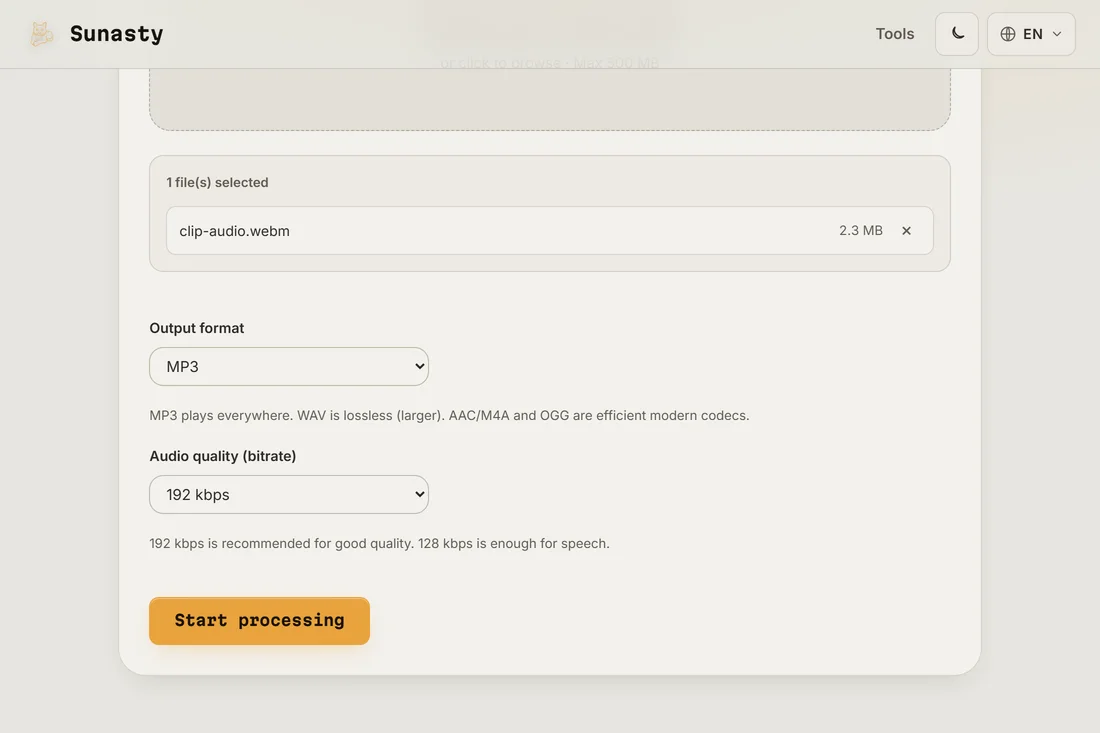
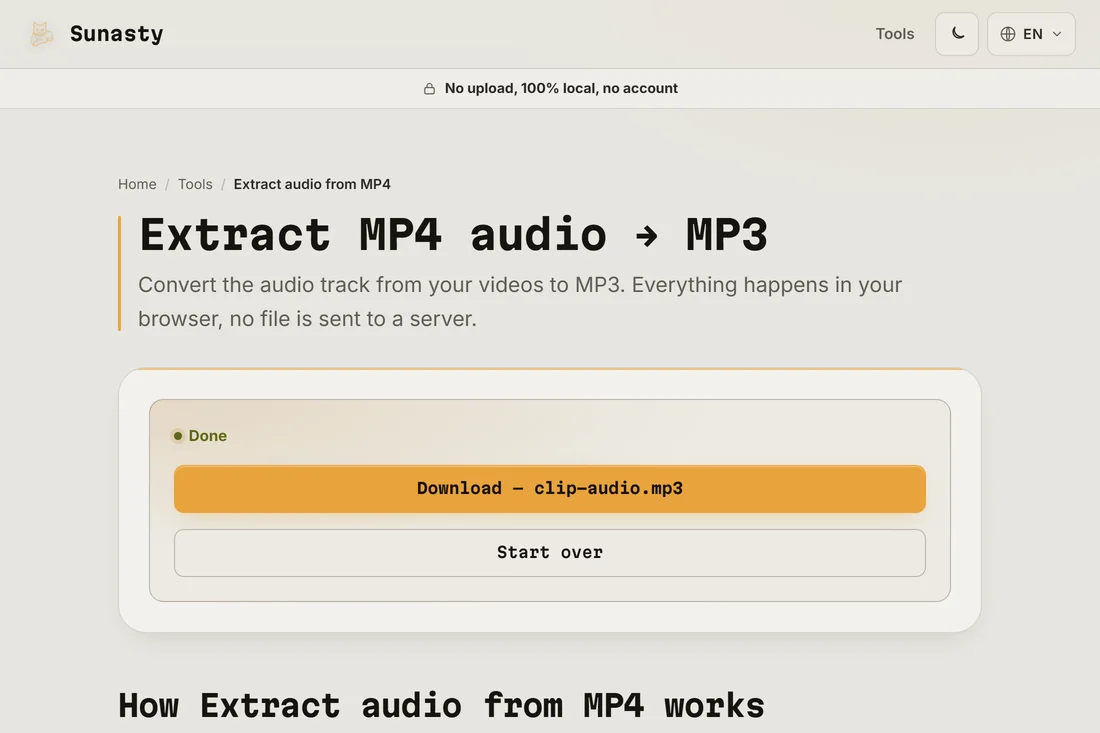
- Run it and download the audio file. The conversion is done by FFmpeg compiled to WebAssembly, inside the tab; a progress bar tracks it in real time.
Which format should you pick?
MP3 plays on everything made this century, which makes it the right answer for podcasts, lectures and sharing. WAV is uncompressed: pick it when the audio goes into an editor next, because you can always compress later but never the other way around. AAC (M4A) gets better quality than MP3 at the same bitrate and is the native format of Apple devices; OGG is its open counterpart. When in doubt: MP3 at 192 kbps.
Trim it, convert it, keep going
Extraction is usually only step one. Cut the part you actually want (with fade-in and fade-out) in the audio cutter, which also has a ringtone preset; convert between audio formats later with the audio converter. Everything runs in the same browser, locally, so chaining tools never means re-uploading anything anywhere.
The tools used in this guide
- Extract audio from MP4 Extract the audio track from your MP4 videos as MP3, without server-side conversion.
- Audio converter Convert audio to MP3, WAV or AAC directly in your browser. No upload.
- Audio cutter Cut a clip out of an MP3, WAV or M4A right in your browser: fade in/out, ringtone preset. No upload.
Frequently asked questions
Does picking 320 kbps make the audio sound better?
No, and it is worth knowing why: the extracted track can never sound better than the audio inside your video. A higher bitrate just preserves more of what is already there. For ordinary speech, 128 to 192 kbps is plenty; 320 kbps mostly makes the file bigger.
What does the first-run download of about 30 MB contain?
That is the FFmpeg WebAssembly bundle: the engine that demuxes your video container and re-encodes the audio track. It is a one-time cost, then cached by the browser for future sessions. Your video itself is never uploaded: it is read by the browser's File API, handed to the WASM module through in-memory buffers, and the audio output is written straight to a download. You can verify by filtering the Network panel to Fetch/XHR during a job: the only outbound request you will see is on the very first load, and it fetches the WASM binary, not your data.