Size limit
Get a PDF under 2 MB for an upload form
Job applications, university admissions, visa and other administrative portals: many upload forms cap each file at 2 MB, a classic ceiling that a phone-scanned document blows past in two or three pages. Here is how to get under it locally, and what to do when compression alone is not enough.
Step by step
- Open the PDF compressor and drop your file in. It is processed in the tab; nothing is uploaded, and the original on your disk stays untouched.
- Pick the strong mode: it re-renders each page at a lower image resolution, which is where the dramatic savings on scans come from. Start at 96 DPI for a target this tight, and lower the image quality a notch if you are still above it.
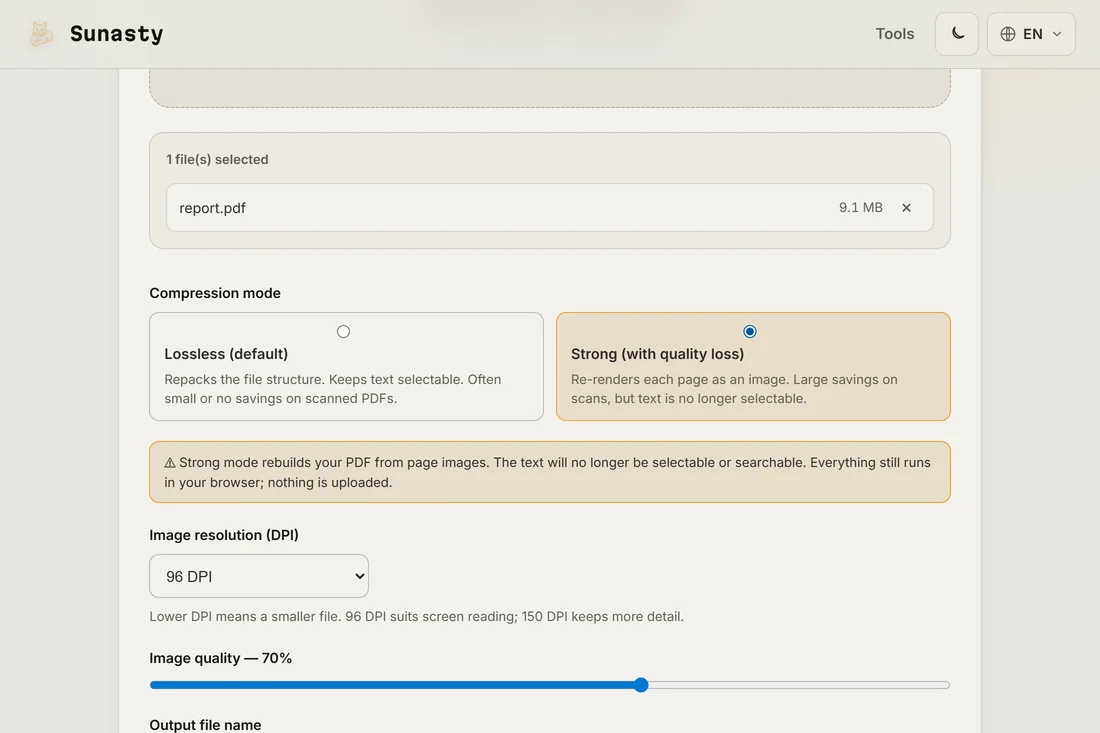
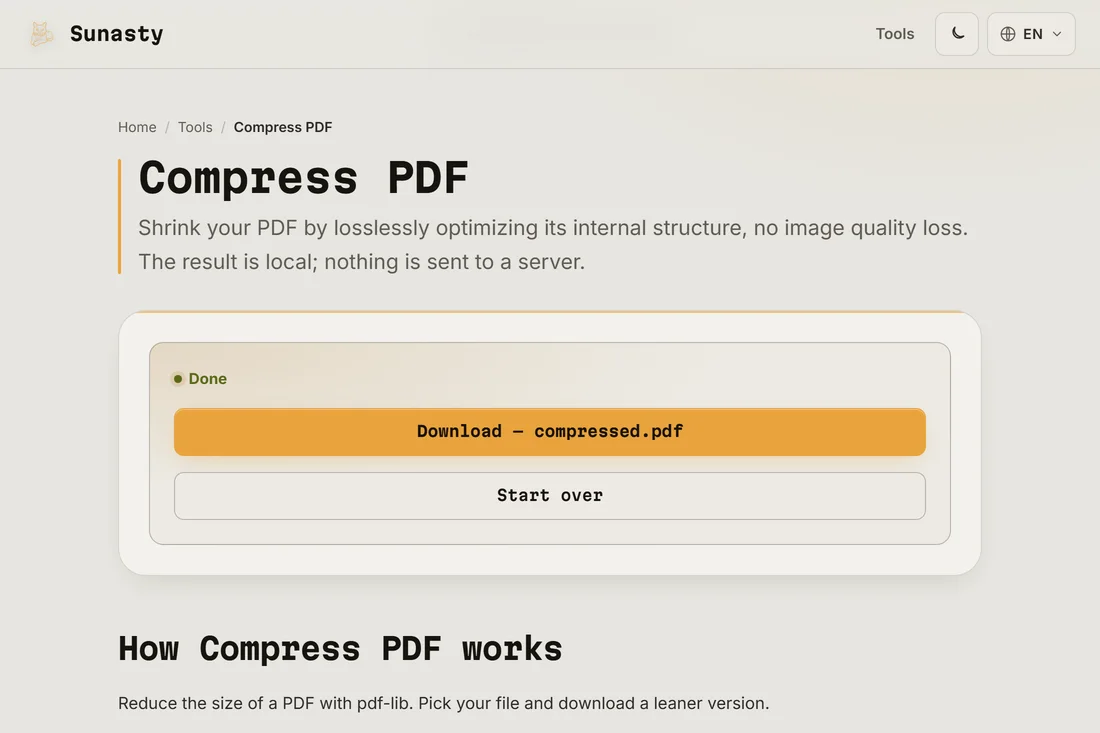
- Check the new size on the result screen and download. If you land just above 2 MB, lower the quality slightly and run it again; aim a few hundred kilobytes under the cap rather than at 1.99 MB.
Why 2 MB is so hard for scanned documents
A phone scan is a photo: at print resolution, a single page easily weighs more than a megabyte, so a three-page scan starts out around the entire budget the portal gives you. Strong compression re-renders those pages at screen resolution, which is all the reviewer on the other side will ever see. A 15 MB scanned dossier coming back at a few hundred kilobytes per page is normal, not suspicious.
If it still does not fit
Three honest options. Re-scan at a lower resolution if you control the scanner, since fixing the source always beats compressing harder. Split the PDF and upload it in parts if the portal accepts several files. And if the form only takes images, export the pages as JPG with the PDF-to-image converter and upload the ones that matter. All of it runs locally too.
The tools used in this guide
Frequently asked questions
Will my document still be readable after strong compression?
At 96 DPI, on-screen reading stays comfortable for a normal document: that is roughly the resolution of the screen it will be read on. The trade-off of strong mode is that pages are rebuilt as images, so the text is no longer selectable and text search stops working. For a portal that shows your file to a human, that trade is almost always worth it; keep the original for your records.
Can I trust this tool with a passport scan or a diploma?
Yes, precisely because pdf-lib processes the file in your browser’s own memory, not on a server. In strong mode, the pages are re-rendered as scaled images inside the browser and stitched back into a new PDF, all locally. No byte of your document travels over the network. An administrative dossier typically contains identity documents, grades, personal details: those should not be handed to an intermediary server as a side effect of making them smaller.