Format comparison
WebP vs JPEG: which one should you use?
Short answer: WebP for the web, JPEG when you cannot control where the file ends up. WebP compresses noticeably better and supports transparency; JPEG opens absolutely everywhere, including ten-year-old software and picky upload forms.
What WebP does better
At comparable visual quality, WebP files usually come out 25 to 35% smaller than JPEG: faster pages, lighter storage. WebP also supports transparency (which JPEG cannot do at all) and animation, replacing both PNG and GIF in many cases. Every modern browser has supported it for years, so for images you publish on a website, it is the rational default.
When JPEG still wins
Compatibility, full stop. Old desktop software, embedded systems, office printers, administrative upload forms, some email clients: JPEG is the one format that never gets refused. Photography workflows also tend to standardise on JPEG for delivery. If a person you do not control has to open the file, JPEG is the safe bet; the few extra hundred kilobytes are cheaper than a support call.
How to convert, in either direction
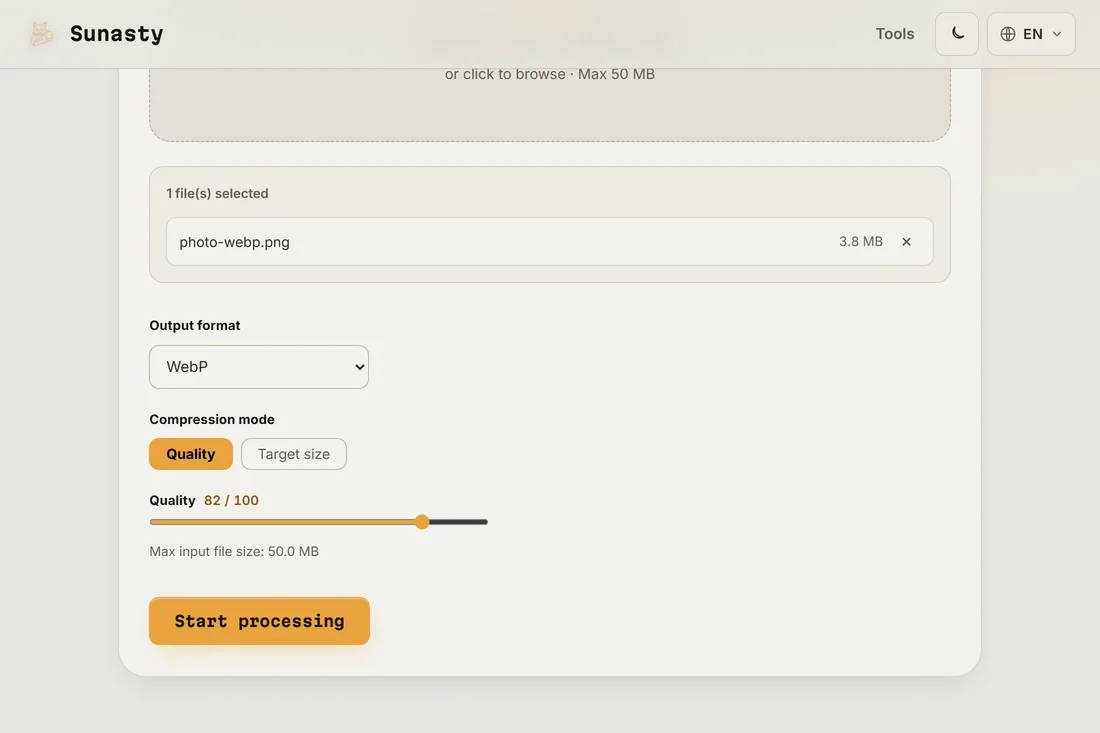
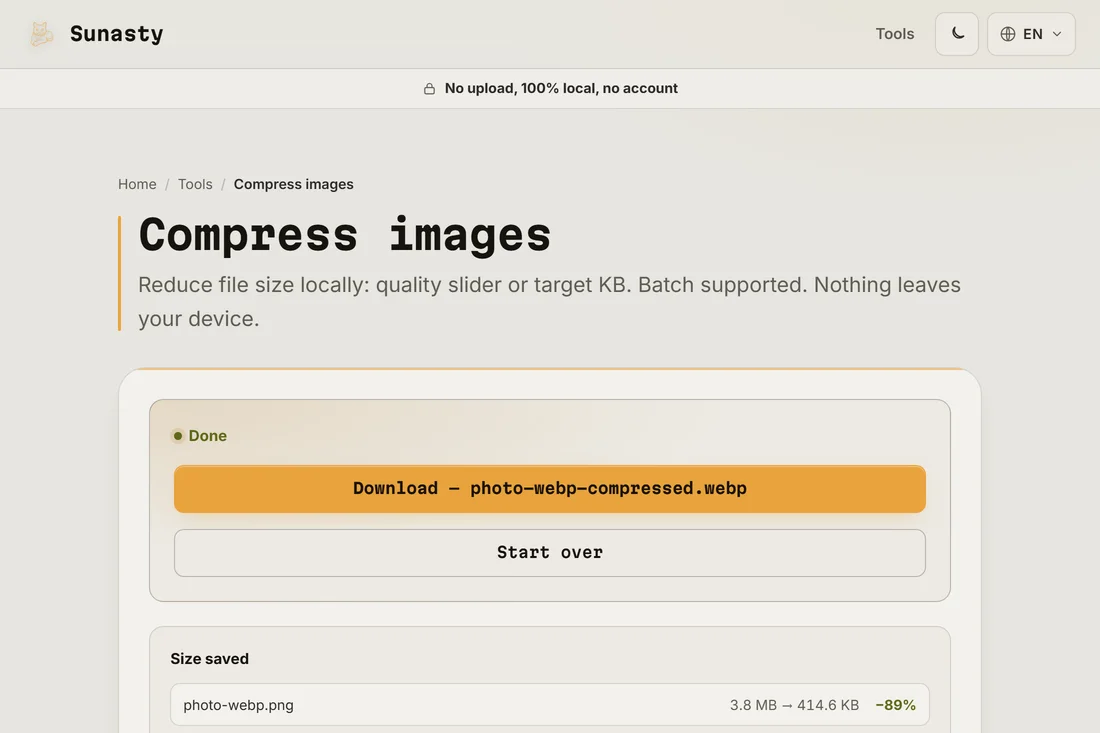
The image compressor on this site converts between JPEG, PNG, WebP and AVIF while compressing, with a quality slider or a target size in KB, in batches if needed. The codec runs entirely in your browser using the browser's own image encode APIs: your photos are never uploaded, so there is no queue to wait in and no size cap per file. One practical tip: always convert from the best original you have, not from an already compressed copy, because lossy formats accumulate damage at each re-encode.
The tools used in this guide
Frequently asked questions
Do I lose quality converting JPEG to WebP?
A little, mechanically: both are lossy formats, so re-encoding always costs something. At normal quality settings the loss is invisible in practice, but it is real, which is why converting from the original (RAW, PNG export) is better when you have it.
What about AVIF?
AVIF compresses even better than WebP and is now supported by all modern browsers, at the cost of slower encoding. The same converter on this site outputs AVIF too: for a website where every kilobyte counts, it is worth a try; for sharing with people, the JPEG rule applies even more.