How-to
How to create a strong password
Weak passwords are the most common way accounts get compromised. Dictionary attacks and credential stuffing can crack a short or predictable password in seconds. A strong password is long, random, and unique to each service. The good news: you do not have to invent one yourself, and the generator below runs entirely in your browser using your device's own random source.
Step by step
- Open the password generator. You do not need to create an account or provide an email address. The page loads in your browser and the generator is ready immediately.
- Set the length and character classes you want. For most accounts, 16 characters with uppercase, lowercase, digits and symbols is the right balance between strength and compatibility. If the site disallows symbols, leave that box unchecked. Use the ambiguous-character exclusion if you ever need to read the password aloud or type it on a TV remote.
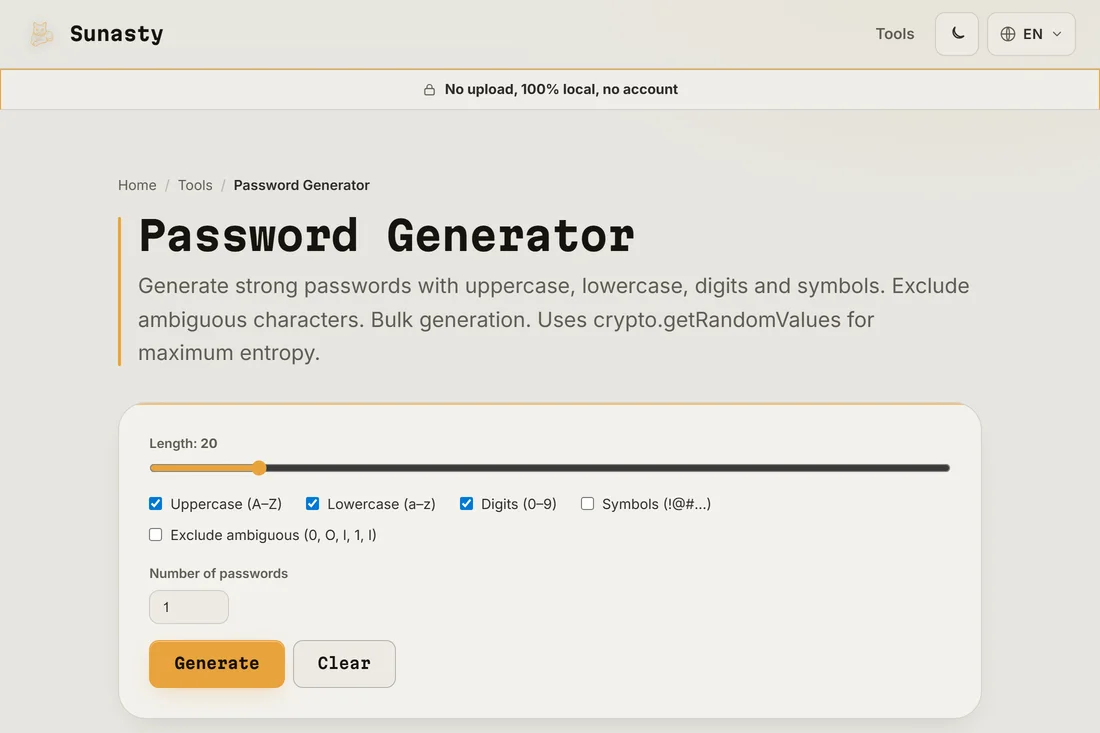
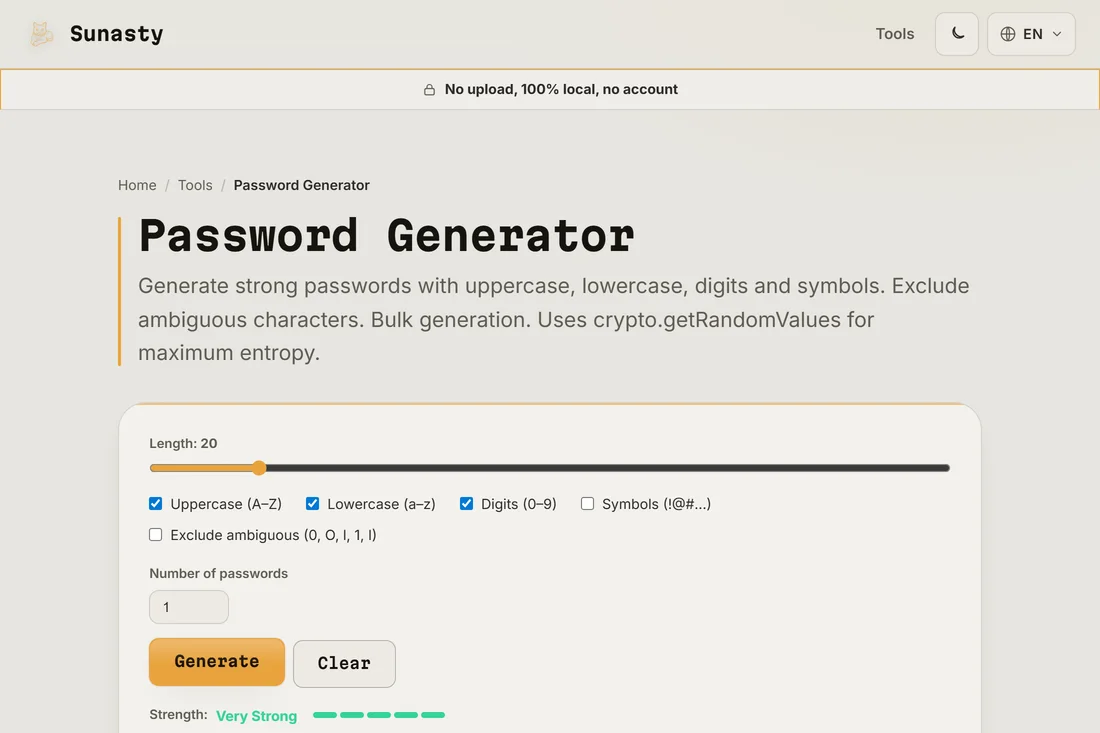
- Click Generate, then copy the result and paste it directly into your password manager. If you do not use a password manager yet, this is a good moment to start: the password is random and will be impossible to remember without one.
Why length beats complexity
A 16-character random password from a 94-character alphabet has around 105 bits of entropy. An 8-character password with special characters has fewer than 53 bits. Modern password crackers run billions of guesses per second on commodity hardware, so the difference between 8 and 16 characters is measured in centuries rather than milliseconds. Every character you add multiplies the search space by the size of the alphabet. The standard advice to add symbols is less effective than simply making the password longer.
Using the generated password safely
Copy the password straight into your password manager's new-entry form, without typing it anywhere else. Never reuse the same password across services: if one site is breached, all your accounts with the same password are exposed. The generator can produce multiple passwords in one click if you need to change several accounts at once. To encrypt sensitive files with a strong passphrase, try the AES encrypt tool, which also accepts passwords generated here.
The tools used in this guide
- Password Generator Generate strong, random passwords with custom rules. Uses crypto.getRandomValues. No upload.
- AES Encrypt / Decrypt Encrypt or decrypt text using AES-256-GCM. Your passphrase never leaves your browser.
- Read EXIF metadata View and strip EXIF metadata from your photos without sending them to a server.
Frequently asked questions
Is the generated password sent to any server?
No. The generator uses your browser's built-in crypto.getRandomValues function, which draws from your device's hardware random source. Nothing is sent over the network: you can disconnect from the internet after the page loads and the generator will keep working. You can verify this by opening your browser's network panel while generating passwords.
How many characters should my password have?
At least 16 for standard accounts, 20 or more for anything sensitive (bank, email, password manager master password). Password managers store them for you, so the length does not matter for daily use. If a service imposes a short maximum length (some cap at 12 or 16 characters), use the maximum it allows and pick a different service when you can.