How-to
Convert scanned documents to PDF for official submissions
Many government websites and online forms only accept PDF documents, even when you are submitting a photo of an ID card or a utility bill. This guide shows how to convert your photos or scans to a single PDF file in your browser, without sending them to any server.
Step by step
- Open the image-to-PDF converter and drop in your photos or scans. You can add several files at once: a front and back of an ID card, or multiple pages of a utility bill. The tool lets you reorder them by dragging before converting, so the final PDF has the pages in the right sequence.
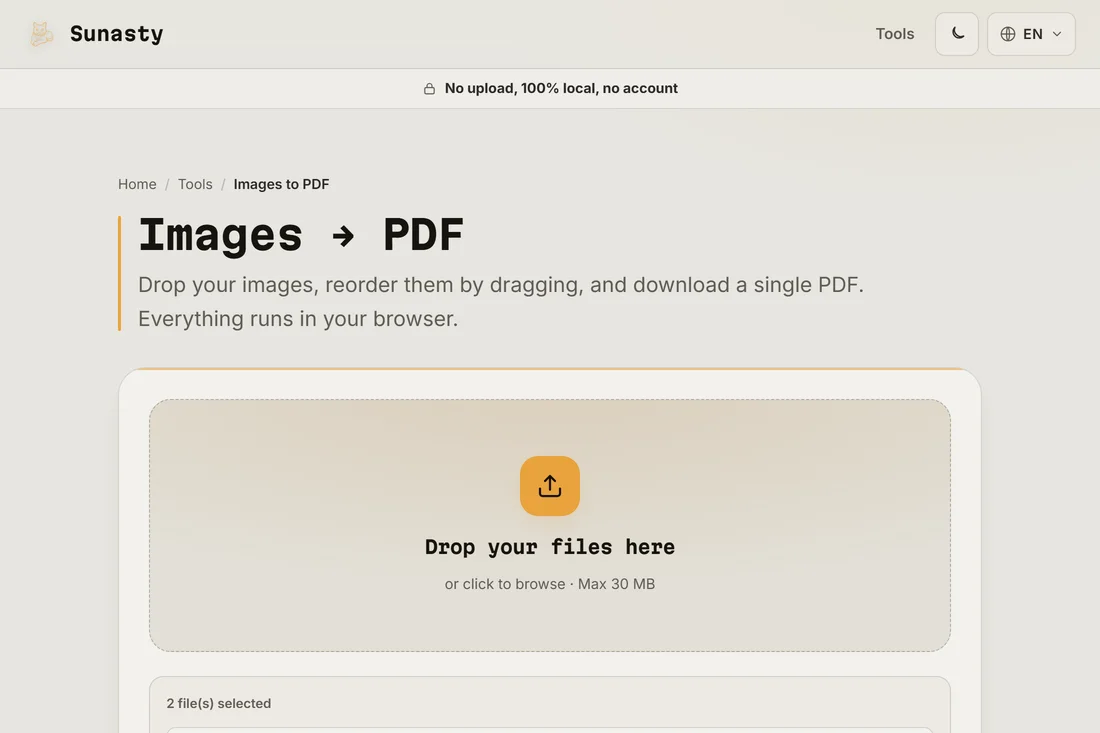
- Select the paper size that matches the submission requirement, or leave it on the default A4. Most government portals accept standard A4 PDFs. If the portal specifies a maximum file size, run the result through the PDF compressor afterwards to bring it under the limit.
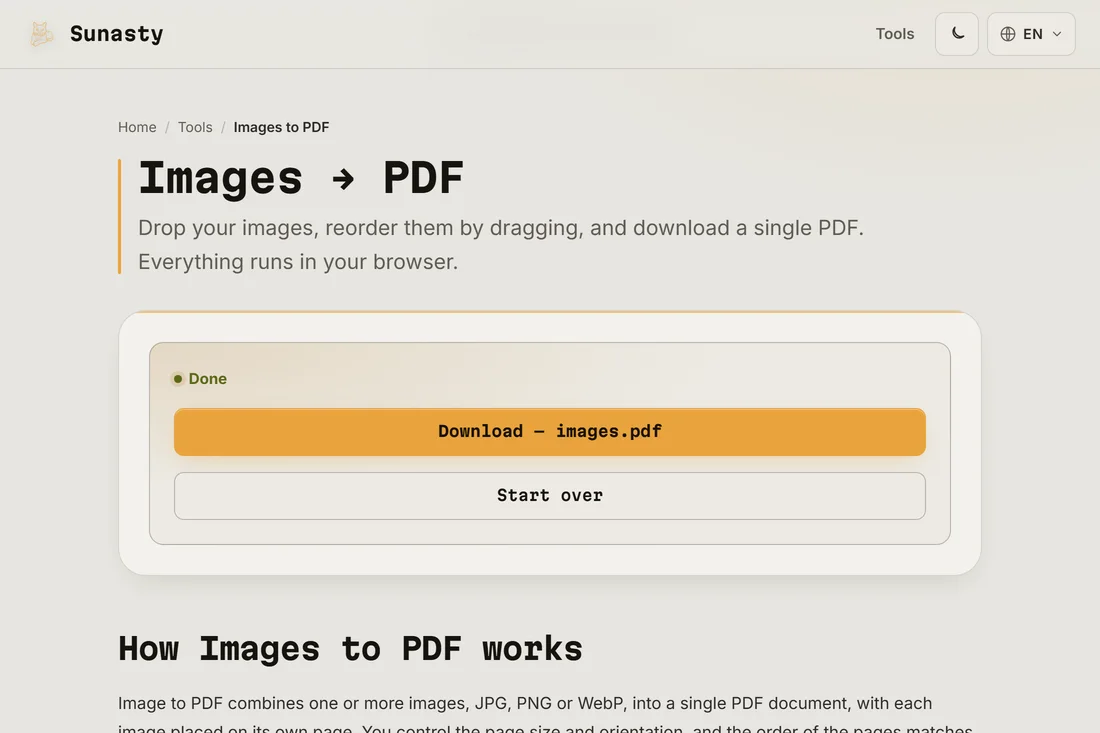
- Click Convert and download the PDF. Your images were read and converted entirely inside your browser: no file was sent to any server, and the PDF is ready to upload to the portal. Keep the original photos in case you need to resubmit with different settings.
Why government portals require PDF
PDF is a document format with a fixed layout that looks the same on every device and in every printer. A JPG or PNG from a phone camera varies in dimensions, resolution and colour profile depending on the model, which makes automated processing unpredictable. PDF also supports multi-page documents in a single file, which simplifies handling on the administration side. Converting your scans to PDF is almost always the path of least resistance for online submissions.
What to do if the PDF is too large
Phone cameras produce images at full resolution, often several megabytes each. A ten-page utility bill can easily exceed 20 MB as a PDF, and many portals cap uploads at 5 or 10 MB. The fix is to compress the images before converting: drop them into the image compressor, export at quality 75 in WebP or JPEG, then run the image-to-PDF converter again. Alternatively, compress the finished PDF directly using the PDF compressor, which reduces file size without changing the page layout.
The tools used in this guide
Frequently asked questions
Will the PDF be accepted by official portals?
The converter produces a standard PDF file that is accepted by government portals, notaries, banks and HR systems. If a portal rejects the file, the most common reasons are file size (use the PDF compressor), password protection (the output has none) or an unsupported PDF version (very rare with modern converters). Check the portal's help page for its exact requirements.
Can I combine a front and back scan of my ID card in one PDF?
Yes. Drop both images into the converter, drag them into the correct order (front first, then back), and the output will be a two-page PDF. Some portals ask for a single image: in that case, use the image editor to place both sides side by side on a white canvas before converting.