How-to
Remove vocals from a song for karaoke
Center-channel cancellation can reduce the lead vocal in many commercially mixed stereo tracks, because vocals are typically panned to the center. The result varies a lot depending on how the track was mixed. This is not AI separation and it does not work perfectly on every song, but it is a fast, free, private way to get an instrumental version without uploading your file anywhere.
Step by step
- Open the vocal remover and drop your audio file in. The tool works on stereo tracks: MP3, WAV, AAC and OGG. Read the honesty note at the top of the page before you run it. Mono tracks and tracks with vocals panned off-center will not produce useful results.
- Choose the output mode. Stereo keeps the full stereo width of the instrumental remains. Mono collapses both channels to a single channel, which can sound cleaner when the cancellation leaves audible phase artefacts in the sides. Pick stereo first and switch to mono if the result has a hollow or watery sound.
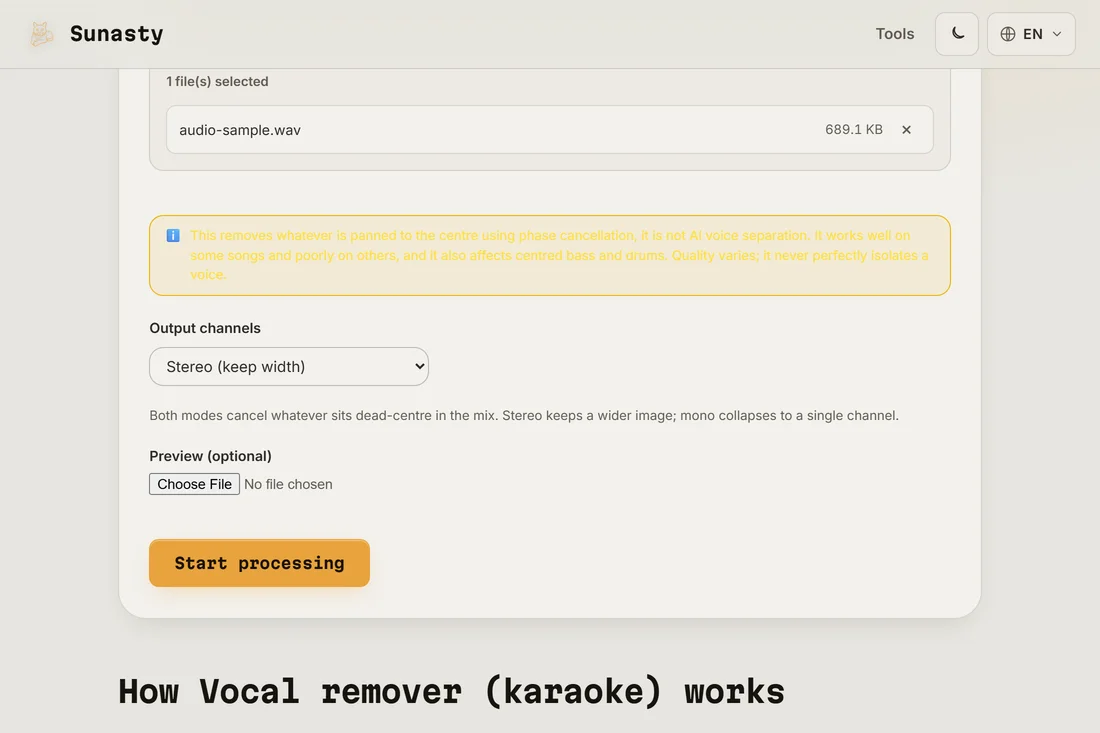
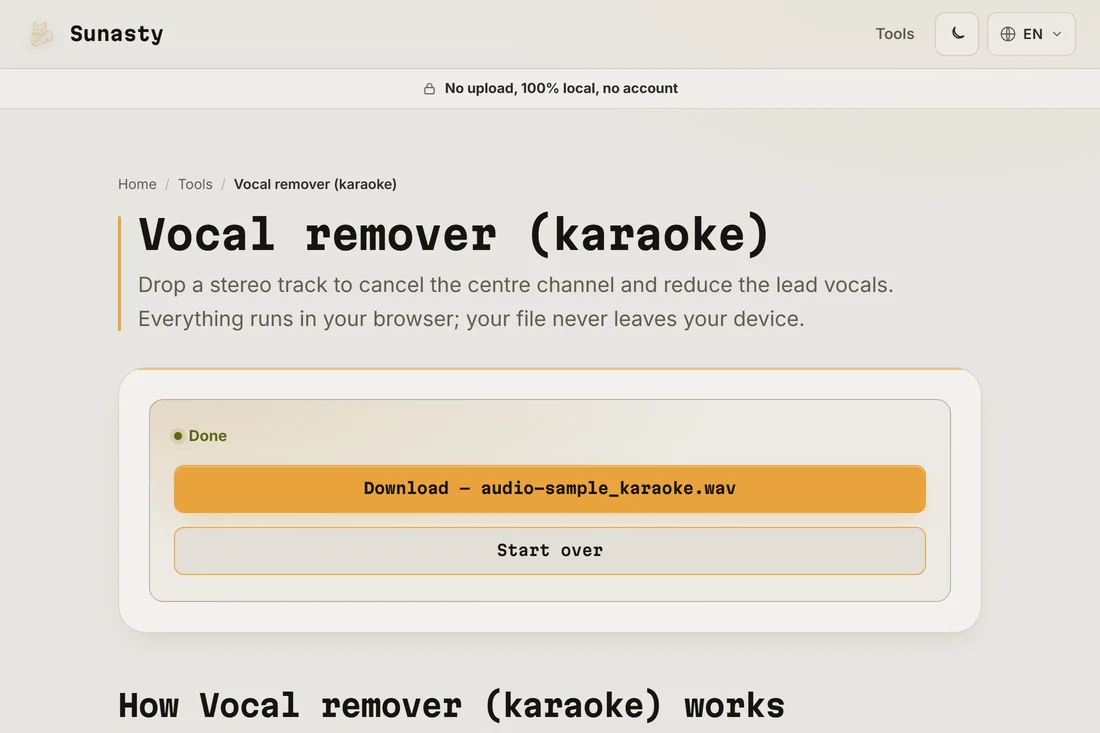
- Click run and listen to the result before downloading. The quality depends on how the original track was mixed: well-separated center-panned vocals reduce cleanly, while drums, bass or instruments that share the center channel also get attenuated. If the result is unusable, the tool is honest about its limitations and cannot improve further.
How center-channel cancellation works
A stereo audio file contains a left channel and a right channel. Content that is identical in both channels (the center image) cancels out when you subtract one from the other. Lead vocals in commercial pop and rock mixes are usually placed there because of how mono radio compatibility works. Bass and kick drum are also centered. Subtracting the center removes or reduces all of them together, not just the vocals. The result is the stereo difference signal: instruments panned to the sides (guitars, synths, backing vocals that are spread) survive, while anything in the center is attenuated.
When results are good and when they are not
Results are best on commercially mixed pop, rock and hip-hop from the 1990s onward, where the vocal is clearly center-panned. Results are poor on live recordings (everything is spread), heavily processed productions where the vocal has room effects that leak into the sides, or mono files (subtracting left from right produces silence, not a useful output). The tool warns you if it detects a mono source. Even with a good source, expect some thinning of the bass and kick drum along with the vocal reduction. Use the audio cutter to trim out sections that worked well.
The tools used in this guide
Frequently asked questions
Can this tool perfectly isolate the instrumental track?
No. Center-channel cancellation removes content that is identical in the left and right channels, which includes vocals but also bass, kick drum and anything else mixed to center. It does not isolate the vocal first and then remove only that. The result is an instrumental approximation whose quality depends entirely on how the original was mixed. AI source-separation models exist that can do better on specific genres, but they require heavy computation and produce their own artefacts. This tool is a fast browser-side approximation, not a studio tool.
Is my audio file sent to a server?
No. The vocal remover runs FFmpeg compiled to WebAssembly entirely inside your browser tab. Your file is read from local memory and processed there; it never leaves your device. The FFmpeg engine downloads once on first use (about 30 MB) and is cached for later sessions.