Size limit
Compress a PDF so it fits in an email
Most mailboxes cap attachments around 25 MB (Gmail’s documented limit), and corporate servers are often stricter. A scanned contract or a brochure blows past that easily. Here is how to shrink it in two minutes, without your document leaving your computer.
Step by step
- Open the PDF compressor and drop your file in. It is processed locally in the tab: nothing is uploaded, which also means no waiting for an upload.
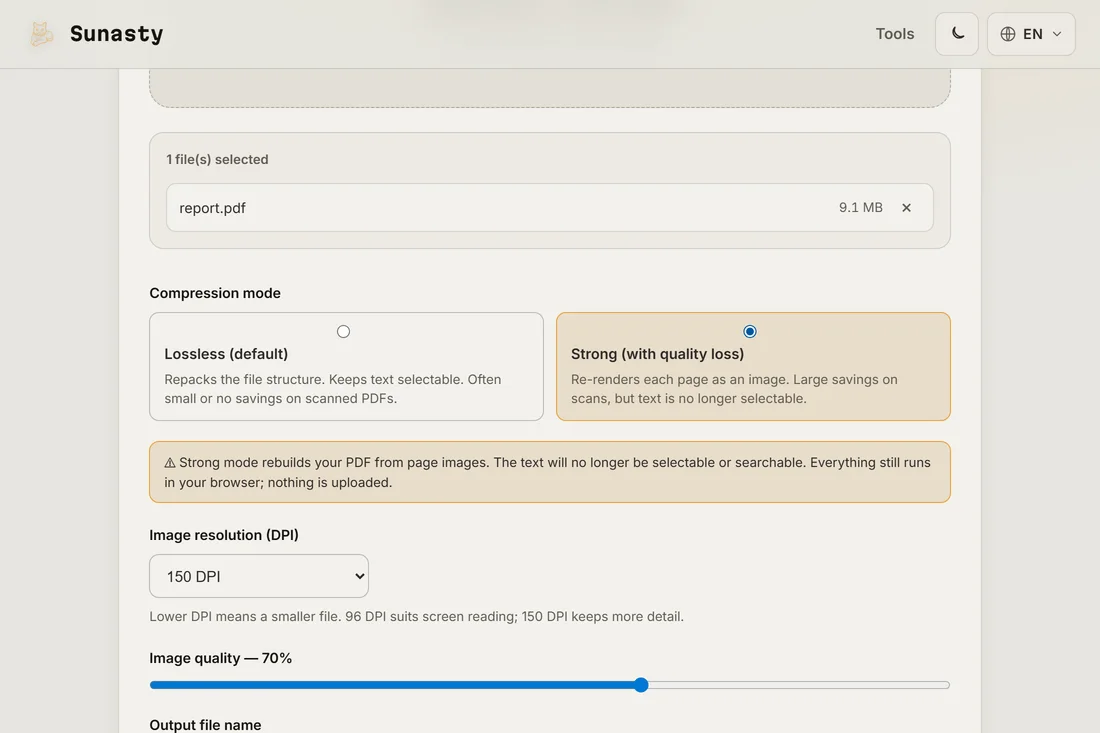
- Pick the mode that fits your case: lossless repacking keeps the text selectable and every pixel intact, while the strong mode re-renders pages at a lower image resolution and shrinks scanned documents dramatically.
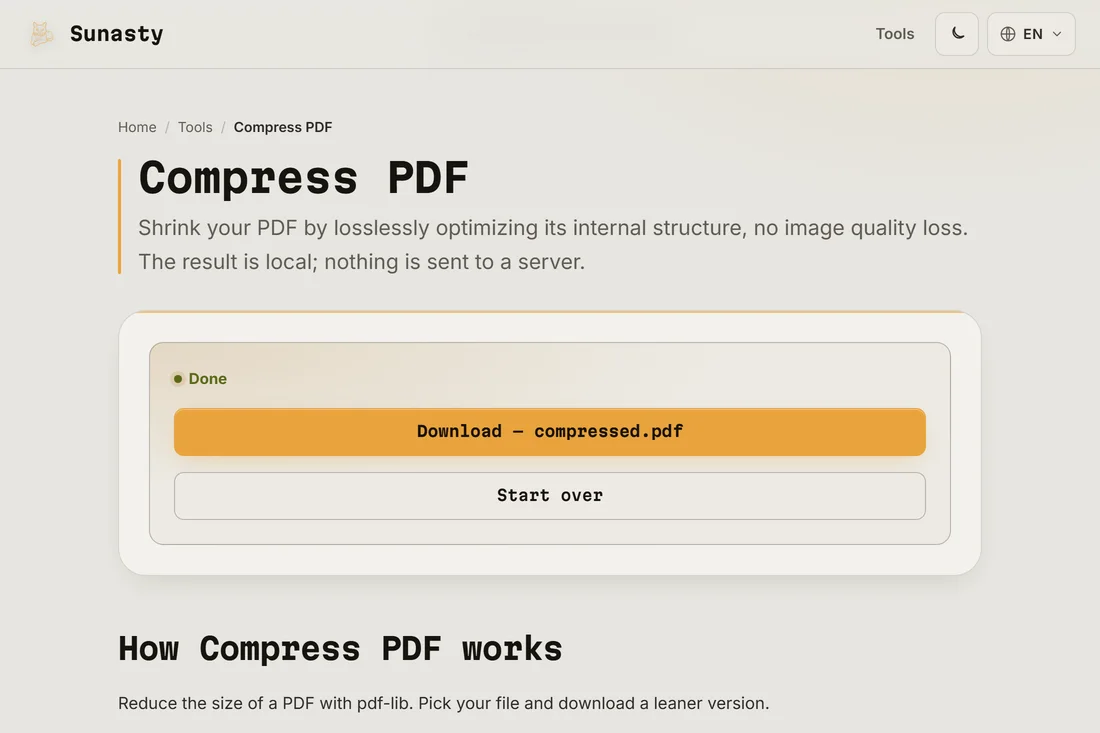
- Download the result and attach it. Aim a little under the cap: around 20 MB leaves room for the email’s own encoding overhead.
Why your PDF is so heavy
Nine times out of ten, the weight is images: scans stored at print resolution, photos pasted into a report, or pages exported as full bitmaps. Fonts and duplicated internal objects add the rest. Compression repacks those images at screen resolution, which is why a 40 MB scan can come back under 5 MB with no visible difference in an email context.
If compression is not enough
Two fallbacks. Split the document and send it in parts with the PDF splitter, or extract only the pages your recipient actually needs with the page organizer. Both run locally too, and they are often the politer option: nobody wants a 60-page attachment for two relevant pages.
The tools used in this guide
Frequently asked questions
Will the text stay sharp after compression?
In lossless mode, yes, always: the text is untouched and stays selectable. In strong mode, pages are re-rendered as images at the resolution you chose, so heavy zoom shows pixels; at 150 DPI a normal contract still reads perfectly on screen and in print.
Does the PDF compressor send my file to a server?
No. The compressor is built on pdf-lib, a JavaScript library that repacks and re-renders your document entirely inside the browser tab. The PDF bytes never cross a network boundary. Open DevTools, switch to the Network panel and watch during compression: no request carries your file out. It also works offline once the page has loaded, useful when you are at a client site with a slow connection.