Article
An everyday math toolkit you do not have to install
Most quick calculations do not need a dedicated app. A tip, a discount, a tax line, a recipe conversion or a foreign price are all simple arithmetic. The catch with most online calculators is that they run in the cloud, so the numbers you enter travel to a server. The tools collected here run entirely in your browser instead. You open a page, type your figures, and the result appears locally, with nothing uploaded and no account to create.
Percentages, tips and tax
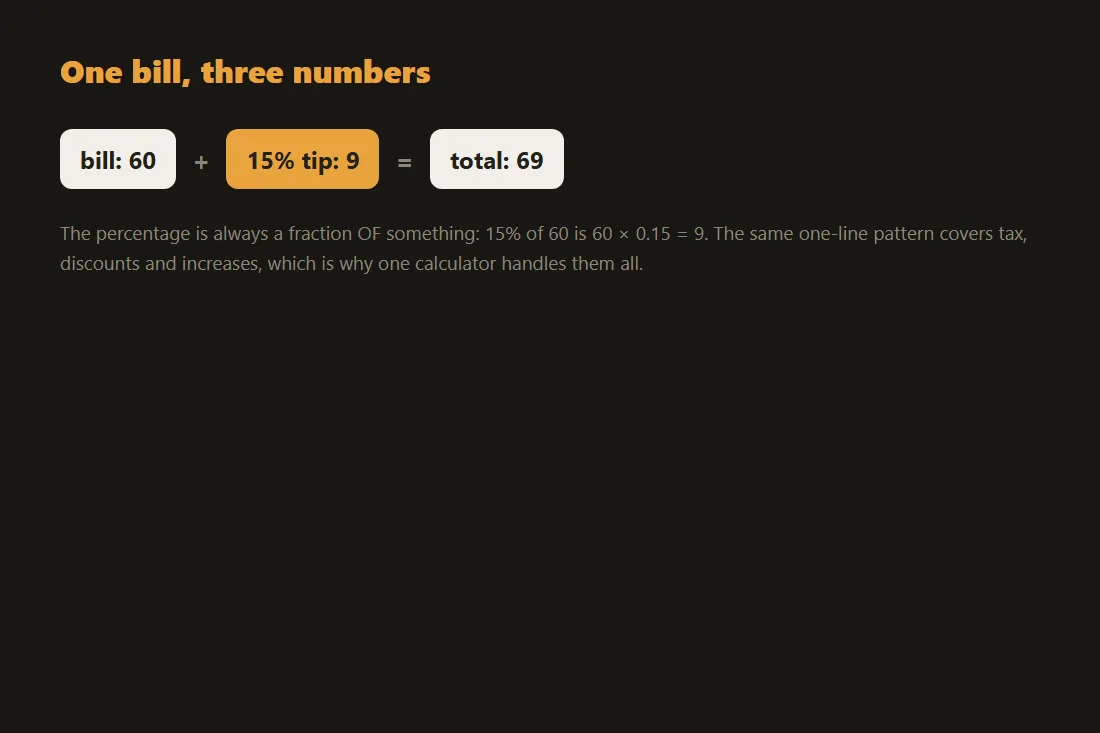
These three calculations share the same shape: a base amount multiplied by a rate. A 20 percent tip on a 45.00 restaurant bill is 45 times 0.20, which is 9.00, for a total of 54.00. A 15 percent discount on an 80.00 item removes 12.00, leaving 68.00. Sales tax works the same way in reverse: a 50.00 price with 8 percent tax adds 4.00, for 54.00 at the register. The arithmetic is easy to get slightly wrong by hand, especially when you split a bill or back out the tax already included in a price. The percentage calculator handles the plain ratios, the tip calculator adds bill splitting between several people, and the tax calculator lets you go from a pre-tax price to a final price or recover the pre-tax amount from a total. Every figure stays on your device.
Metric and imperial, side by side
Switching between measurement systems is a constant for anyone reading recipes, instructions or travel guides written for another region. The conversions are fixed ratios, so a small reference table covers most daily needs: 1 inch is 2.54 centimetres, 1 foot is 30.48 centimetres, 1 mile is about 1.609 kilometres, 1 pound is about 0.454 kilograms, and 1 US gallon is about 3.785 litres. Temperature is the odd one out because it has an offset as well as a scale: to go from Fahrenheit to Celsius you subtract 32 and then multiply by five ninths, so 68 F becomes 20 C. The unit converter covers length, weight, volume, temperature and several other categories, so you do not have to remember the exact factor for each one.
Cooking measures depend on the ingredient
Cooking conversions trip people up because a cup is a measure of volume while a recipe ingredient is often weighed, and the link between the two depends on density. One cup of water weighs about 240 grams, but one cup of all-purpose flour is only about 120 grams, and one cup of granulated sugar is around 200 grams. Treating them all as the same weight is how a cake ends up dry or dense. The cooking converter stores typical densities for common ingredients, so when you ask for a cup of flour in grams it uses the flour figure, not a generic one. It still cannot account for how tightly you pack the cup, which is why baking guides recommend weighing flour when precision matters.
Currency, with an honest caveat
Currency is the one calculation here that genuinely needs outside data, because exchange rates change every day. The currency converter downloads a public daily rate table, the same kind of public information that anyone can look up, and then does the conversion in your browser. Two things follow from that design. First, the rates are a daily snapshot, not a live market feed, so they are fine for working out roughly what a price means in your own currency but they are not the rate a bank or broker would quote you at a given second. Second, only the public rate table is downloaded; the amounts you type are never sent anywhere, and the last snapshot is cached so the tool still works offline, with its date and source shown on screen.
Floating-point precision in browser calculators
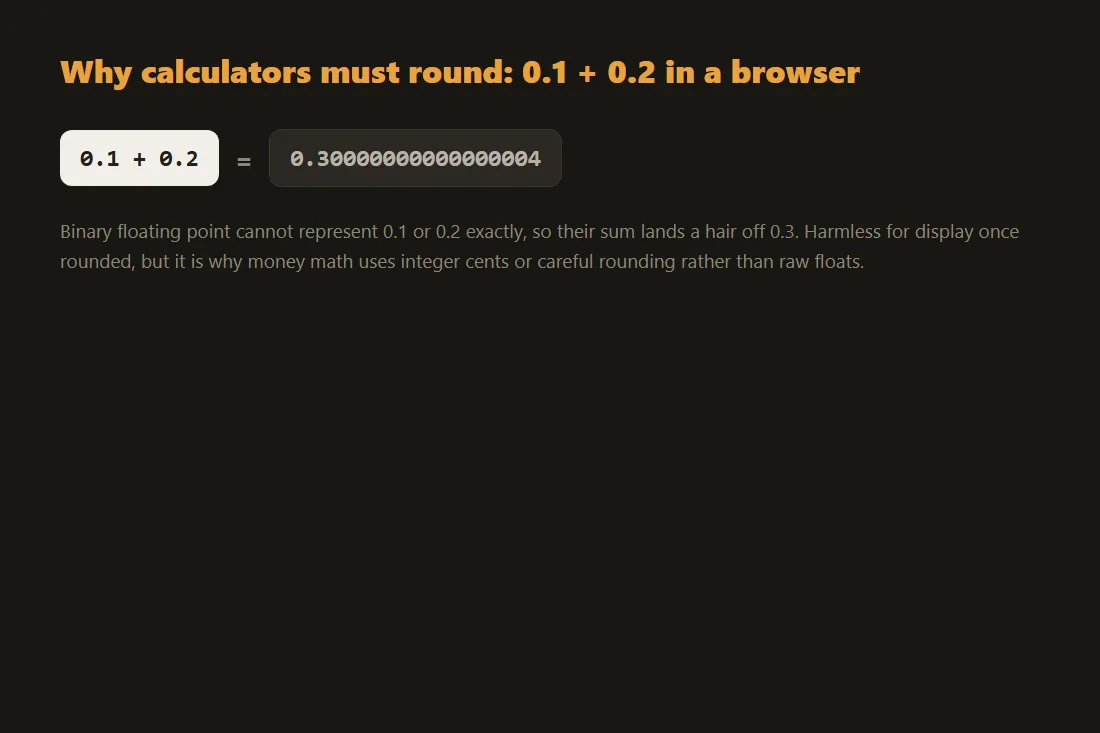
JavaScript represents all numbers as 64-bit IEEE 754 doubles. This format can exactly represent integers up to 2^53 but introduces rounding errors for many decimal values: 0.1 + 0.2 evaluates to 0.30000000000000004 rather than 0.3. For calculations such as percentage splits, unit conversions, or tax rounding, this matters. One common approach is to scale values to integers before operating (for example, treating currency amounts as integer cents), then scale back at the end. For higher-precision needs, arbitrary-precision libraries operate on digit strings rather than native floats, at a performance cost. Understanding which approach a calculator uses tells you whether a result is rounded to a display threshold or carries IEEE 754 rounding through the entire chain.
Tools in this article
- Percentage calculatorWork out X% of Y, what percent X is of Y, percentage change, and increase/decrease by %. No upload.
- Tip CalculatorCalculate tip amount, total bill and per-person split instantly, no upload, fully offline.
- VAT & Tax CalculatorAdd or remove VAT and sales tax instantly. All calculations stay on your device, nothing is uploaded.
- Currency converterConvert between 200+ currencies with daily rates, amounts stay in your browser. No upload.
- Cooking converterConvert cooking units, cups, grams, ml, oz, by ingredient, plus °F ↔ °C. No upload.
- Unit converterConvert length, mass, temperature, volume, area, speed, data and time units. No upload.
Frequently asked questions
Do these calculators work offline?
The percentage, tip, tax, unit and cooking tools are pure arithmetic and run entirely in your browser, so once the page has loaded they keep working with no connection. The currency converter needs a daily rate table, but it caches the last one it downloaded, so it also keeps working offline using that cached snapshot, with the date clearly shown.
Are the currency rates the same as my bank's?
No. The converter uses a public reference rate updated once a day, which is good for understanding what a foreign price is worth. A bank or card issuer applies its own rate at the moment of the transaction and usually adds a margin or fee, so the figure on your statement will differ slightly from the converted estimate.