How-to
Open an archive without installing 7-Zip or WinRAR
Someone sent you a .rar or .7z and your computer cannot open it. Instead of installing a desktop program for a single file, you can read the archive right in this page. The extractor here unpacks zip, rar, 7z, tar and gz, lists what is inside, and lets you download each file. The archive never leaves your device.
Step by step
- Open the archive extractor and drop your file, or click to pick it. Zip, rar, 7z, tar and gz all work, and the file stays in the tab the whole time.
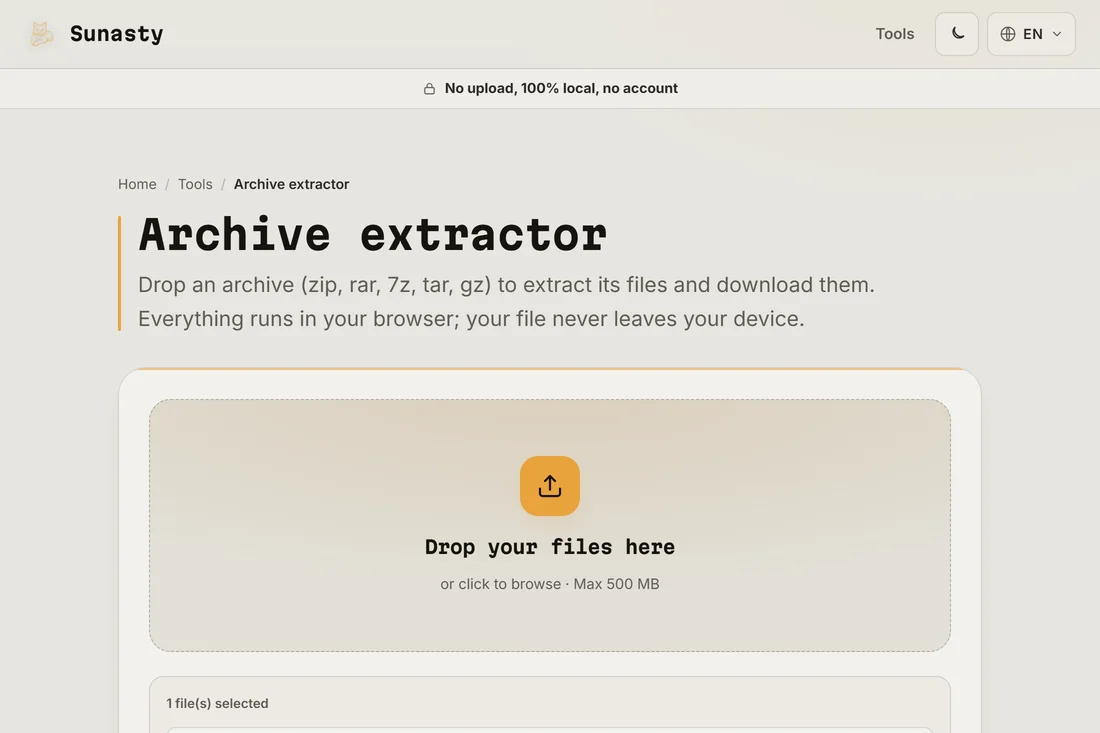
- Start the extraction. The tool reads the archive in the browser and lists every file it contains, so you can confirm you have the right one before saving anything.
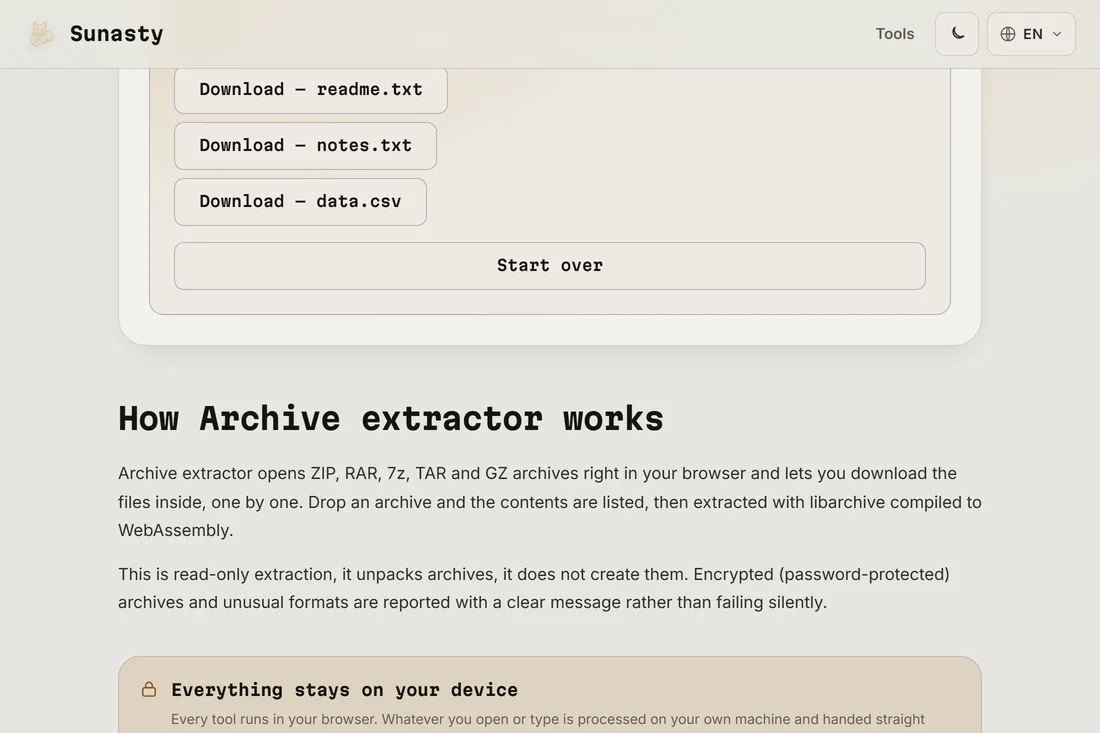
- Download the files you need. Each entry has its own download button, so you can save a single document or grab the whole set, all without an account.
Why you do not need a desktop program
Formats like rar and 7z were long tied to specific desktop apps, which is why a stray .rar feels like a wall. The extractor here uses libarchive compiled to WebAssembly, the same decoding logic those tools rely on, running inside your browser tab. It opens zip, rar, 7z, tar and gz, reads each entry, and hands the bytes back to you as a normal download. There is nothing to install and nothing to update later.
What this tool does and does not do
This is read-only extraction: it opens an archive and pulls files out, but it does not create archives and it cannot recover a password you do not know. Encrypted archives that need a password stay locked. Because everything runs in the page, your archive is never sent to a server: there is no server in the architecture. Open your browser's Network panel and the only traffic you will see is the page loading the first time. Once extracted, your files only touch the disk when you click download.
The tools used in this guide
Frequently asked questions
Can it open a password-protected archive?
No. Encrypted archives cannot be extracted by this tool; there is no password prompt. The tool extracts files as-is, it is not a password cracker and cannot break encryption you do not have the key for. If the archive was never password-protected, it opens straight away.
Is my archive uploaded anywhere?
No. The decoding runs entirely in your browser through WebAssembly, so the archive and its contents stay on your device. You can verify it yourself: open the Network panel before extracting, and you will see no file leaving the page.