Article
ZIP vs RAR vs 7z: which archive format to use
A file arrives as a .zip, a .rar or a .7z and most people cannot say what the difference actually is beyond it's a compressed folder. All three bundle multiple files into one and shrink them, but they come from different projects, use different compression algorithms, and differ in one detail that matters in practice: what you can do with them without installing extra software.
ZIP: the universal, patent-free baseline
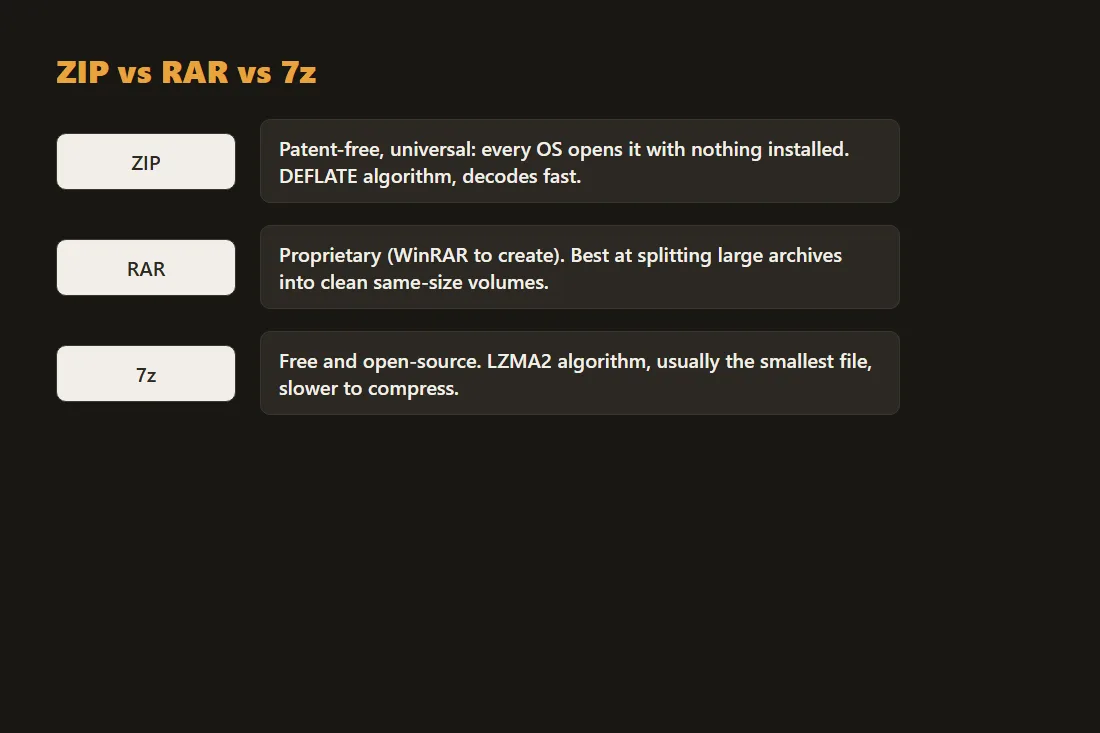
ZIP, documented in PKWARE's public APPNOTE specification and dating back to 1989, is old enough and open enough that every major operating system can open one without installing anything. It uses the DEFLATE algorithm by default, which compresses reasonably well and, crucially, decodes fast, a deliberate trade-off from an era when decompression speed on modest hardware mattered as much as final size. That is still why ZIP remains the default choice for anything meant to be opened by an unknown recipient.
RAR: proprietary, strong on splitting large archives
RAR, short for Roshal Archive, is a proprietary format created by Eugene Roshal: creating a .rar file requires the paid WinRAR software or its command-line counterpart, though free extractors are widely available. Its main practical advantage over ZIP is splitting a large archive into multiple same-size volumes cleanly, historically useful for spreading a big file across removable media or size-limited uploads, plus solid archiving, compressing many small files as one continuous stream for a better ratio.
7z: the highest compression ratio, also free to create
7z is the native format of the free, open-source 7-Zip project and typically produces the smallest files of the three, thanks to the LZMA and LZMA2 algorithms, at the cost of slower compression and decompression than DEFLATE. Unlike RAR, both creating and extracting 7z files is free and open-source end to end, which is why it has become a common choice for distributing large downloads where file size matters more than encode speed.
What actually changes for you as a recipient
For opening a file someone sent you, the format barely matters today: a modern extractor handles all three. The real differences show up when you are the one packaging files: ZIP guarantees the recipient can open it with nothing extra installed, RAR is convenient if you specifically need multi-volume splitting, and 7z gets you the smallest file when both sides have, or can install, a compatible extractor. None of the three encrypts by default; each supports optional password protection you have to turn on explicitly.
Opening any of the three without uploading a file
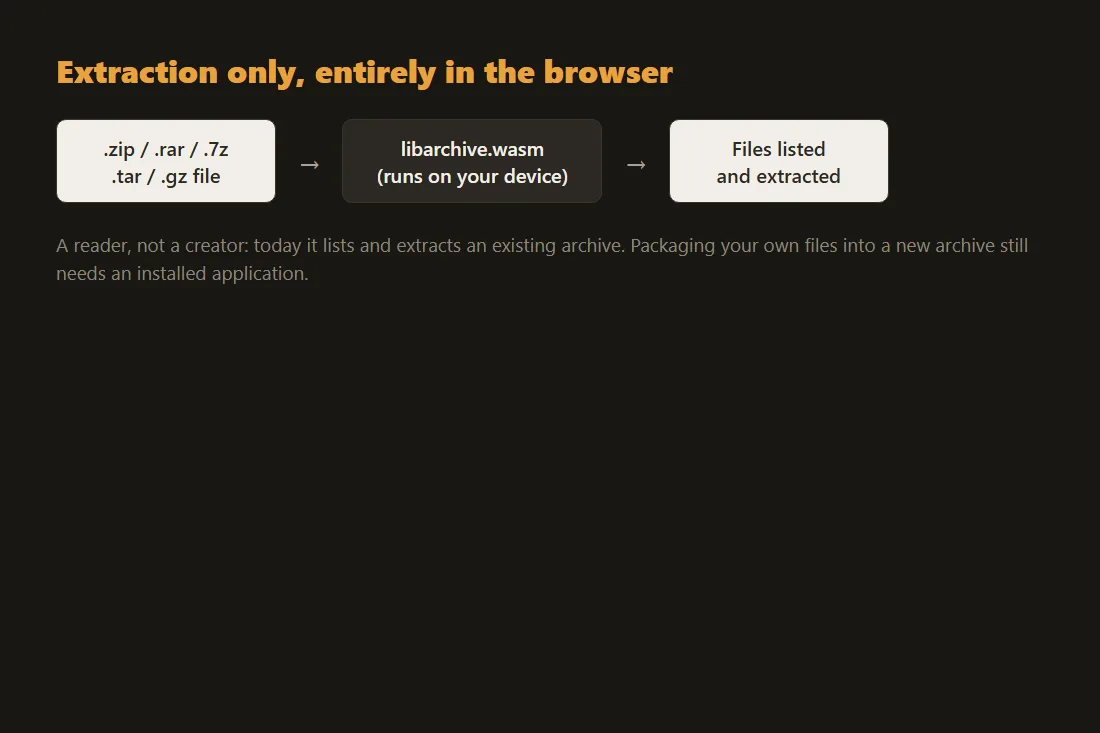
Our archive extractor reads ZIP, RAR, 7z, TAR and GZ files entirely in your browser using libarchive compiled to WebAssembly, so the archive's content never leaves your device to be listed or unpacked. It is a reader, not a creator: it lists and extracts what is already inside an archive rather than building a new one, so packaging your own files into an archive still needs an installed application for now.
Tools in this article
Frequently asked questions
Which of the three compresses the smallest file?
7z, using the LZMA2 algorithm, generally produces the smallest archive of the three for typical mixed content, at the cost of taking longer to compress and decompress than ZIP's DEFLATE.
Do I need to pay for software to open a RAR file?
No. Creating a RAR archive needs WinRAR or its command-line version, which are paid, but free extractors, including this site's archive extractor, can open and unpack an existing RAR file at no cost.
Are ZIP, RAR and 7z files encrypted by default?
No. All three only compress by default; password protection is an optional setting the person creating the archive has to turn on. An unprotected archive's contents are readable by anyone who opens it, the same way an unprotected folder would be.