Article
Lossy vs lossless: choosing an audio format
MP3, WAV, FLAC and AAC are all just audio files until you need to pick one, and then the real question is not the file extension but whether the format throws sound data away. Lossy and lossless describe two fundamentally different strategies, and picking the wrong one for the job either wastes disk space or bakes in a quality loss you cannot undo.
What lossy actually removes
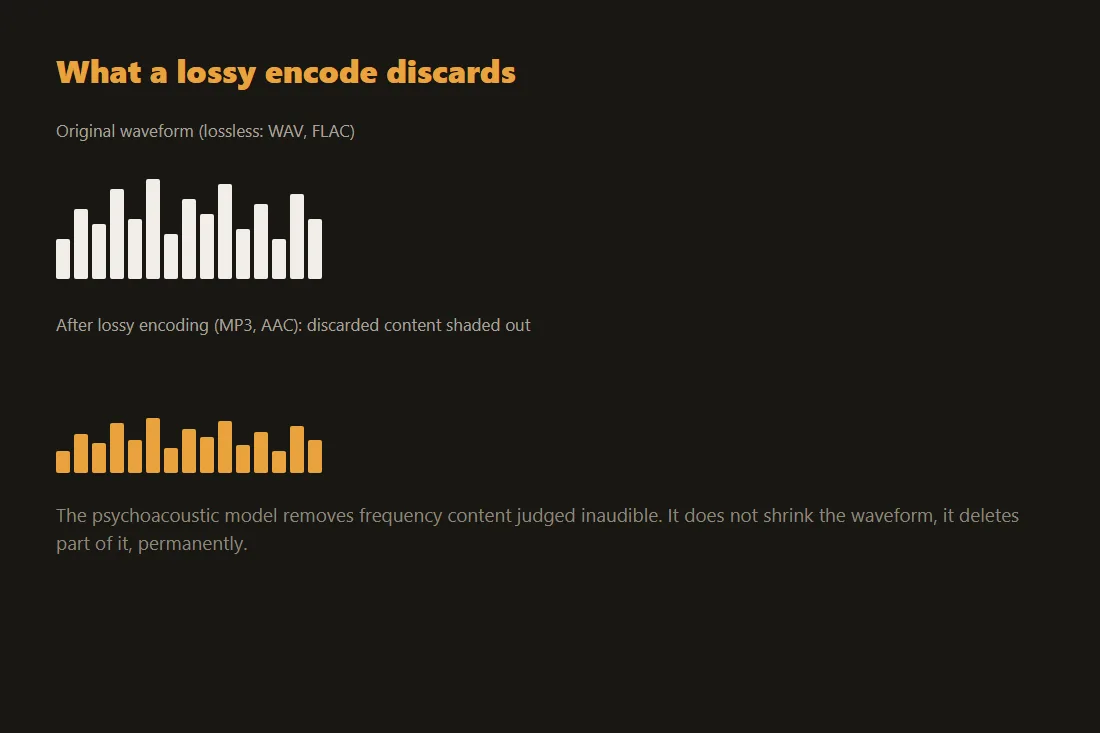
MP3 and AAC use a psychoacoustic model: they analyze which frequencies a human ear is unlikely to notice, given what else is playing at the same instant, and discard that content rather than trying to store it more efficiently. That is genuinely gone after encoding, not hidden or recoverable, the same principle that makes a JPEG photo lose detail on save. A higher bitrate discards less and sounds closer to the source; a lower one discards more to shrink the file further.
What lossless guarantees instead
WAV stores the raw, uncompressed PCM samples exactly as captured, so nothing is ever discarded, at the cost of a large file: a few minutes of CD-quality stereo audio easily runs to tens of megabytes. FLAC keeps that same guarantee, bit-for-bit identical audio on decode, while packing the file noticeably smaller than WAV by finding redundancy in the waveform, the audio equivalent of a lossless PNG compared to a raw bitmap.
When lossy is the right choice
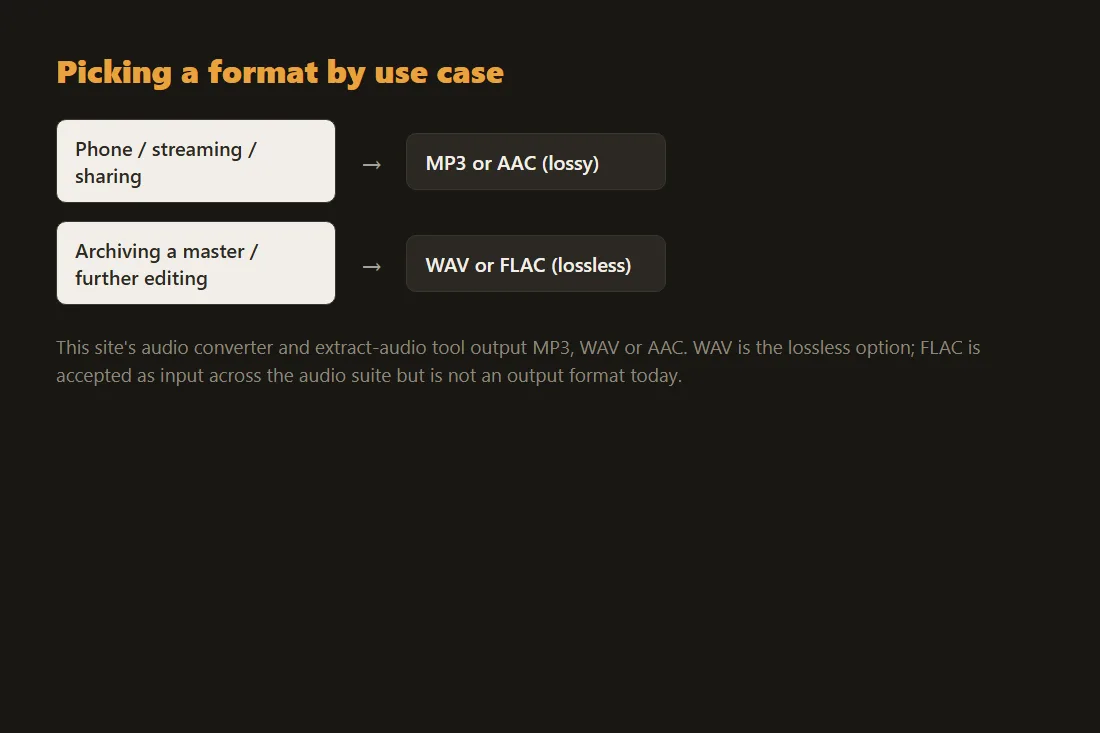
For listening on a phone, streaming over a limited connection, or sharing a voice memo, a well-encoded MP3 or AAC file is smaller and sounds indistinguishable from the source to most listeners at a reasonable bitrate, 192 kbps or higher for music, and 128 kbps is fine for speech. There is no benefit to a lossless file if it is only ever going to be played back, not edited or re-encoded further down the line.
When lossless earns its extra size
Keep a lossless master, WAV or FLAC, whenever a file might be edited, mixed or re-encoded again later: each additional lossy pass compounds the previous one's discarded data, the same generation-loss problem that affects repeatedly resaved JPEGs. Archiving a recording, preparing multitrack audio for further editing, or converting to several delivery formats from one source are all cases where starting from an uncompressed file avoids stacking losses on top of each other.
Converting between them without uploading a file
Our audio converter accepts common audio and video files and outputs MP3, WAV or AAC, running entirely in your browser through ffmpeg compiled to WebAssembly, and the extract-audio tool does the same for pulling the audio track out of a video. WAV is the lossless option here; FLAC is accepted as an input format across the audio suite but is not one of the output formats today, so converting to a smaller lossless file currently means keeping the original FLAC rather than round-tripping through this site.
Tools in this article
Frequently asked questions
Does converting a lossy MP3 to a lossless FLAC or WAV recover the lost quality?
No. Once the psychoacoustic model has discarded frequency content during MP3 or AAC encoding, no later conversion can restore it. Converting a lossy file to a lossless container only preserves whatever the lossy file already sounds like, without shrinking or improving it further.
What bitrate should I use for an MP3?
128 kbps is adequate for speech and casual listening, 192 kbps is a solid default for music, and 320 kbps constant bitrate is the practical ceiling for the format. Variable bitrate encoding, when available, generally gives a better quality-to-size ratio than a fixed rate at the same target.
Is FLAC smaller than WAV for the same audio?
Yes, usually by roughly 30 to 50 percent depending on the material, while remaining bit-for-bit lossless: decoding a FLAC file reproduces the exact same samples as the original WAV. The size reduction comes from finding statistical redundancy in the waveform, not from discarding anything.