Article
Why images lose quality with every save
A photo that looked crisp on a camera roll comes out blocky after being forwarded through a few group chats and reposted a couple of times. Nobody edited it on purpose; it just went through several re-encodes, and each one threw a little more detail away. This is generation loss, an old and well understood property of lossy compression, and it explains why heavily reshared images tend to look progressively worse. Here is what a lossy re-encode actually discards, why it compounds, and how to stop a file from degrading further.
What 'lossy' actually throws away
JPEG, the format behind most photos shared online, is lossy by design: the standard behind it, ITU-T T.81, works by transforming blocks of pixels into frequency data and then rounding that data more or less aggressively depending on the quality setting, a step called quantization. Rounding cannot be undone exactly; the discarded detail is genuinely gone, not hidden somewhere in the file. A high quality setting rounds gently and the loss is hard to see, a low one rounds hard and the file gets visibly blocky, but even a single JPEG save always throws something away.
Every re-encode is a new generation
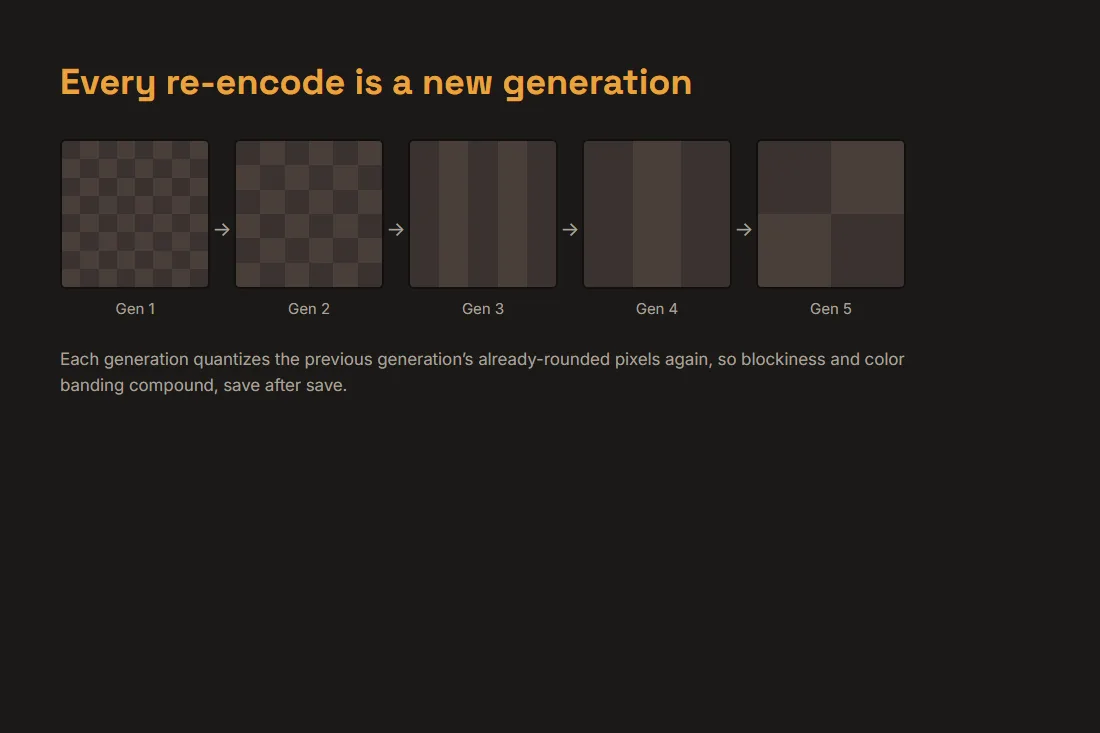
The first time a photo is saved as a JPEG, the camera's pixel data is quantized once. Opening that JPEG again and saving it again, even with no edits at all, decodes the already-approximated pixels and quantizes them a second time, on top of the first rounding, not instead of it. Each additional save is another generation, and each one compounds whatever blockiness and color banding the previous generation already introduced. A single pass at a sensible quality setting is close to invisible; the same setting applied five or six times in a row on the same file visibly degrades a photo, because the errors from every earlier generation are still there when the next one rounds again.
Why heavily reshared images look worse
A photo that travels through several chats, feeds and reuploads picks up a new generation at almost every hop: a messaging app recompresses it for the chat, a social platform re-encodes it again for its own delivery pipeline, someone screenshots the result and reuploads that screenshot, which is yet another full re-encode of an already-degraded image. None of these steps needs to be careless or use an unusually low quality setting for the effect to add up; it is cumulative by nature, which is exactly why an image that has circulated widely for a long time often shows visibly more blockiness and color banding than a fresh copy of the same photo.
Lossless formats do not have this problem
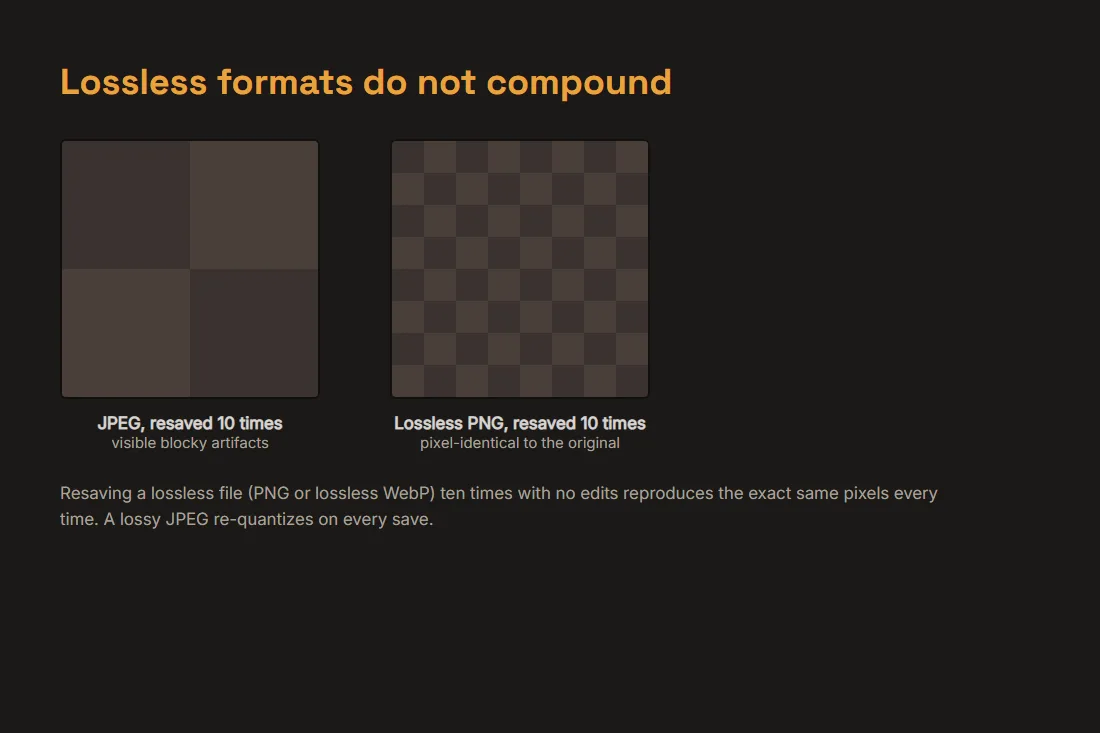
PNG and lossless WebP work differently: they compress by finding patterns in the exact pixel data and packing it more efficiently, without rounding anything away, so decoding and re-encoding the same lossless file, with no edits, reproduces the pixels exactly, generation after generation. That guarantee is why screenshots and graphics with sharp edges or text are usually saved as PNG rather than JPEG. It comes at a cost: a lossless file of a typical photograph is much larger than a JPEG at a reasonable quality, since there is no rounding to shrink it.
Keeping a file's quality under control
The generation-loss chain only compounds when each save starts from the previous save's already-degraded pixels. Keeping a lossless master, the original camera file or a PNG, and exporting a fresh JPEG from that master each time avoids stacking new rounding on top of old rounding. Our image compressor lets you pick a quality setting and see the resulting file size before you send anything, and our image comparison tool puts the original and the compressed copy side by side with a slider, so you can catch a bad setting before you forward the file onward and start another generation. Both run entirely in your browser: the photo never leaves your device to be checked.
Tools in this article
Frequently asked questions
Does copying or moving a JPEG file degrade it?
No. Copying a file, attaching it to an email, or moving it between folders copies the exact same bytes; nothing is decoded or re-encoded, so nothing is quantized again. Generation loss only happens when the pixels are actually opened and saved again, not when the file itself is moved around.
Can I undo generation loss and recover the lost detail?
No. Quantization is genuinely lossy: the rounded frequency data an earlier save discarded is not recorded anywhere in the file, so no filter or algorithm can reconstruct it. Sharpening or denoising a degraded JPEG can make the artifacts less visually obvious, but it does not restore the original detail.
Does converting a degraded JPEG to PNG stop the problem?
Converting after the damage is done preserves whatever the JPEG already looks like at that point, pixel for pixel, without adding a new rounding step, but it cannot restore detail lost in earlier saves. The fix is to start keeping a lossless master before more generations happen, not to convert a photo late in the chain.