Article
Slowing down audio for transcription
Fast speakers, unfamiliar accents, and multiple overlapping voices are the three main reasons a transcription stalls. Slowing the recording down buys time to catch what was said. The catch is that naive playback slowdown also drops the pitch of every voice, which makes speech harder to follow rather than easier. This article explains the difference between simple speed reduction and pitch-preserving time-stretching, and covers the practical ranges that actually help.
Why slowing down helps
Human speech carries a lot of information in a short window. A fast speaker can deliver 200 words per minute or more, and at that rate, the ear has little time to resolve individual phonemes before the next syllable arrives. Slowing the audio gives the brain more processing time per syllable, which matters most in three situations: a speaker with an unfamiliar accent whose phoneme mapping differs from what you expect; a dense technical passage where every word carries meaning and a single mishear produces a wrong term; and recordings with two or more overlapping voices where the ear has to track separate streams at once. In all three cases, the goal is not to hear something that was not there, but to give yourself enough time to hear accurately what was already recorded. A 0.75x playback rate is often enough for an accent or a dense passage. A 0.5x rate is useful for a short section where the first few passes have not resolved the words.
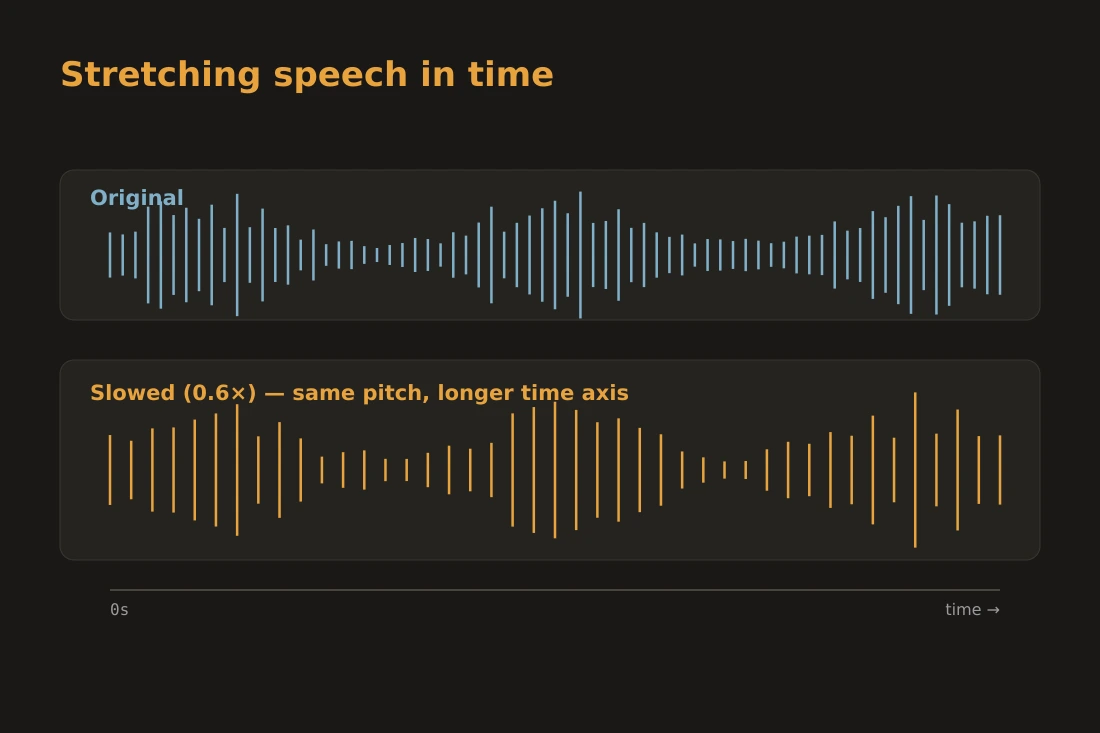
Speed and pitch: why naive slowdown does not work
The simplest way to slow audio is to play back the samples at a lower rate than they were recorded. This is how old tape recorders slowed down: spin the tape more slowly and both the duration and the pitch drop together. At 0.75x, voices drop by about a minor third. At 0.5x, they drop a full octave. The result is the familiar slow, deep distortion that makes speech sound unnatural and, paradoxically, harder to understand because the formant frequencies that distinguish vowels have all shifted down. The correct approach is time-stretching: changing the duration of the audio without changing the frequencies. The pitch of every voice stays the same; only the rate at which syllables arrive changes. This is the approach used by the audio-speed tool and by most dedicated transcription software. The perceptual result is that a slowed recording sounds like the same speaker talking at a slower pace, which is exactly what you need when the goal is accurate transcription.
How time-stretching works: the atempo approach
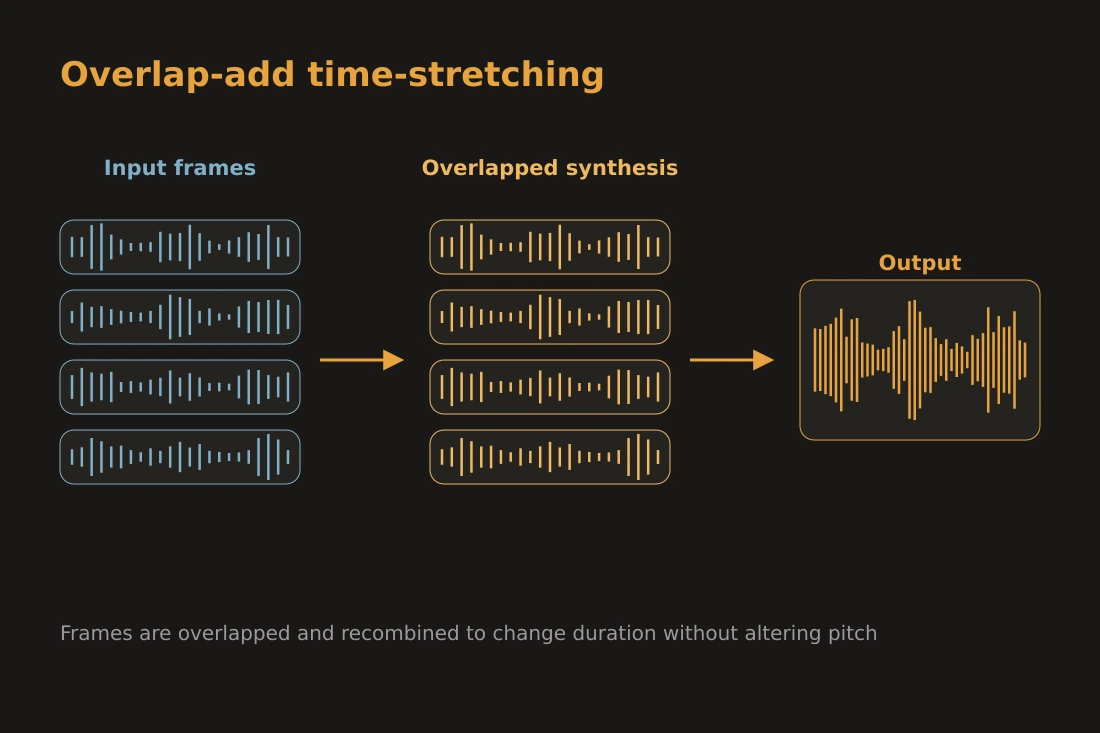
The most widely used algorithm for time-stretching in practical audio tools is based on phase vocoding, and its common implementation in ffmpeg is the atempo filter. The input audio is split into short overlapping frames, typically 20 to 40 milliseconds each. The algorithm analyzes the phase relationships between adjacent frames, then synthesizes new frames at a modified rate while adjusting the phases so that successive frames line up correctly. The result is a continuous output signal whose duration has changed but whose frequency content has not. Because the frames are short relative to the typical pitch period of a human voice, the fundamental frequency of speech is preserved across the stretch. One side effect of the algorithm is that rapid transients, such as the click of a consonant, can be slightly blurred when the stretch is large, because the frame-overlap synthesis introduces a small amount of averaging. This is not a flaw in the implementation; it is an inherent property of the overlap-add family of algorithms.
Practical speed ranges and quality limits
For transcription work, two speed values cover most practical needs. At 0.75x, speech is stretched to 133% of its original duration. Consonant clusters and fast vowel transitions become easier to separate, and the change is small enough that the algorithm introduces very little perceptible artifact. Most listeners can follow speech at this rate without losing the natural rhythm of the sentence. At 0.5x, the audio is stretched to twice its original length. This is useful for a single sentence or a short difficult passage, but it is too slow for continuous listening over several minutes; concentration drops before the words are resolved. Below 0.5x, the quality of the output degrades noticeably. The overlap-add synthesis starts to introduce a fluttering or phasiness on sustained vowels, and the timing cues between consonants and vowels that carry prosody become distorted. The atempo filter in ffmpeg imposes a minimum of 0.5x for a single pass, which reflects this quality limit. Values below 0.5x require chaining two passes, and the artifact level rises accordingly. For almost all transcription use cases, staying at 0.75x or at most 0.5x for short segments produces clean, usable output.
Doing it locally with the audio-speed tool
The audio-speed tool on this site runs entirely in the browser using ffmpeg compiled to WebAssembly. You drop your audio file onto the page, set the speed multiplier, and the processing happens on your device. The recording does not leave your machine at any point: no upload, no server, no third-party service. This matters for recorded conversations, interviews, medical dictation, legal proceedings, and any other context where the content of the audio is sensitive. The tool accepts the common audio formats handled by ffmpeg, including MP3, WAV, M4A, OGG, and FLAC. The output is a downloadable file at the speed you chose. Because the processing runs locally, the time it takes depends on the length of the file and the speed of your device. A few minutes of audio typically processes in well under a minute on a modern laptop. The tool uses the same atempo filter described in this article, so the quality characteristics described above apply directly to what you will hear in the output.
Tools in this article
Frequently asked questions
Will slowing down audio also change the pitch?
It depends on the method. Simple playback rate reduction does change the pitch: at 0.5x, voices drop by a full octave. The audio-speed tool uses time-stretching (the atempo filter) which changes duration without changing pitch, so voices stay at their original frequency.
What is the slowest speed that still sounds clean?
At 0.75x the output is clean for most recordings. At 0.5x it is acceptable for short passages. Below 0.5x, the overlap-add algorithm starts to introduce audible artifacts on sustained vowels and consonant transitions. For transcription work, staying at or above 0.5x gives the best results.
Does the file get uploaded when I use the audio-speed tool?
No. The audio-speed tool runs entirely in the browser. The file is processed locally on your device using WebAssembly. Nothing is sent to any server, so the content of your recording remains private.