Article
Why GIFs are so heavy
A three-second animated GIF regularly weighs more than a full minute of MP4 video covering the same clip, which surprises anyone used to thinking of video as the heavier format. GIF was never designed to be an efficient way to store motion; it is an image format from 1987 that happens to support a sequence of frames, and every design choice behind it predates modern video compression by decades.
A GIF is a sequence of images, not a video stream
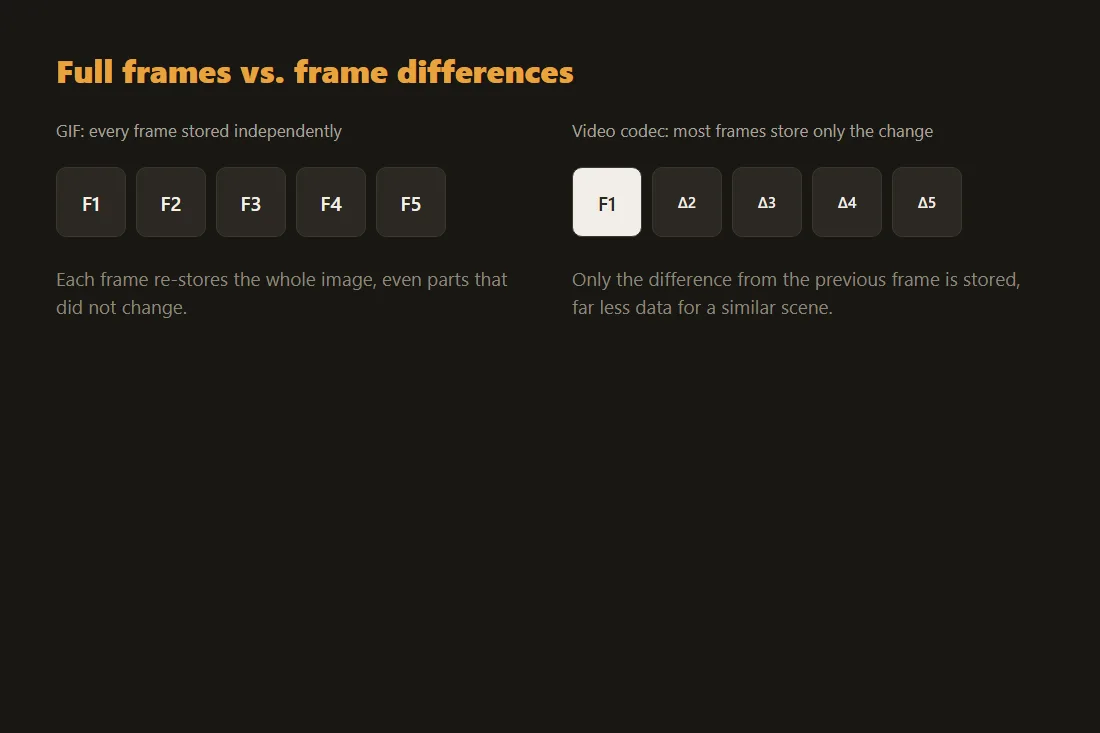
The Graphics Interchange Format, introduced by CompuServe in 1987 and revised as GIF89a in 1989, stores an animation as a series of individual image frames played back in order, each one its own compressed still image. A real video codec like H.264 instead encodes most frames as the difference from the frame before it, since consecutive video frames are usually very similar, storing only what changed. GIF has no equivalent mechanism: even a mostly static scene re-stores large parts of every single frame.
256 colors, whether the source needs them or not
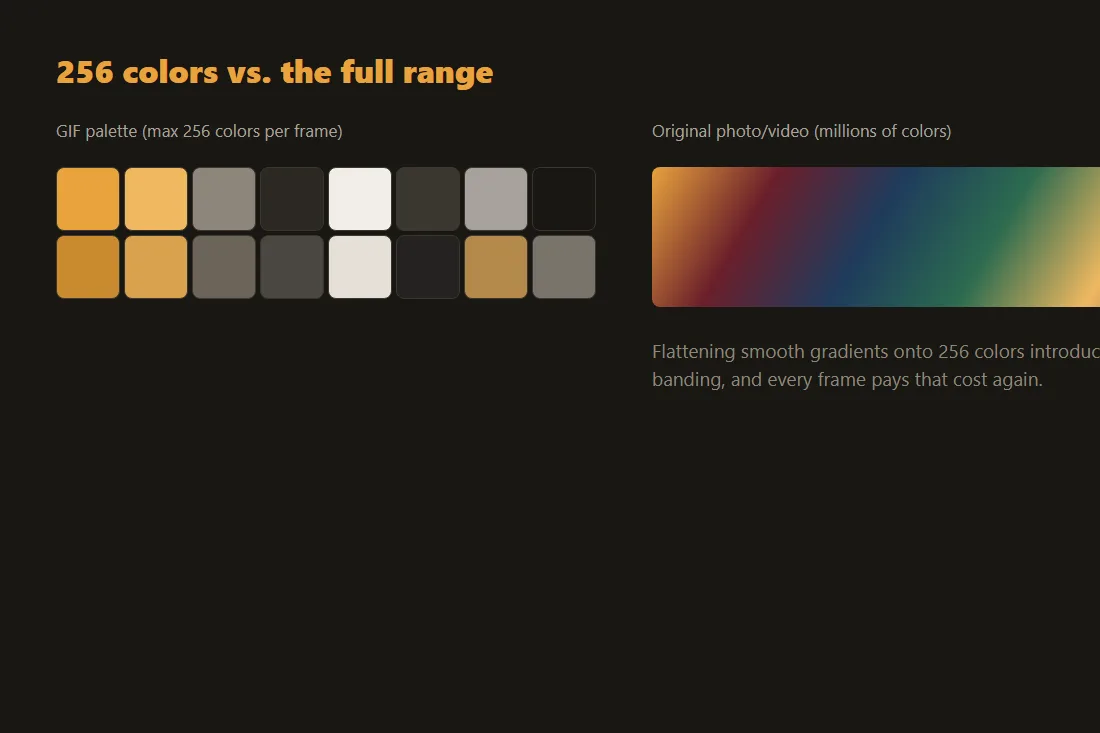
GIF limits every frame to a palette of at most 256 colors, chosen from the much larger range a photo or video actually contains. A screen recording or a video clip with smooth gradients and lighting gets flattened onto that limited palette, introducing visible banding and dithering, and the file still has to store a full frame's worth of that reduced-color data on every single frame, with no cross-frame compression to fall back on.
Why the format never got a modern replacement
GIF's animation looping and universal support, every browser and messaging app can play one with no plugin, kept it in constant use long after better options existed, the same way MP3 stuck around after more efficient audio codecs shipped. WebP and APNG both support animation with real per-frame compression and far more colors, and produce noticeably smaller files for the same content, but neither reached GIF's level of universal support across every platform and sharing context, so GIF remains the default for a short looping animation even though it is the least efficient way to store one.
An MP4 of the same clip is usually much smaller
Converting the same short clip to MP4 with H.264 keeps the video codec's frame-difference compression and full color range, which is why the file typically ends up a fraction of the size of the equivalent GIF for identical content and length. The trade-off is that an MP4 needs a video player rather than displaying inline as an image everywhere a GIF does, though most modern messaging apps and social platforms already autoplay a short MP4 the same way they would a GIF.
Converting between GIF and video without uploading anything
Our GIF-to-video tool re-encodes an animated GIF as a compact MP4, and video-to-GIF does the reverse when a genuine GIF, for a context that specifically needs one, is what you actually need, both entirely in your browser using ffmpeg compiled to WebAssembly. Converting an existing heavy GIF to MP4 first, then only falling back to GIF for the few contexts that truly require the format, is usually the fastest way to cut a shared animation's file size without losing the loop.
Tools in this article
Frequently asked questions
Why does a short GIF weigh more than a much longer MP4 video?
A GIF re-stores most of each frame independently with no cross-frame compression, limited to 256 colors, while an MP4 encodes most frames as just the difference from the previous one and keeps far more color detail. The GIF format's per-frame overhead adds up fast even for a clip a fraction of the video's length.
Can I make a GIF smaller without converting it to video?
Yes, to a point: lowering the frame rate, shrinking the pixel dimensions, or trimming the clip shorter all reduce a GIF's size directly, since fewer or smaller frames means less data to store. None of that changes the format's fundamental lack of cross-frame compression, which is why converting to MP4 usually saves far more than trimming a GIF down.
Will an MP4 loop automatically the way a GIF does?
Most messaging apps and social platforms autoplay and loop a short MP4 inline, the same way they handle a GIF, so the visual result is usually identical for the viewer. A context that displays a raw image tag with no video player support, some emails and older forum software, still needs an actual GIF file.