Article
What DPI actually means
Set your image to 300 DPI is common advice for anything going to print, and it confuses people who open their photo and cannot find a DPI setting anywhere. DPI describes how densely a printer lays down dots on paper; it is not a fixed property of most image files, which store pixels, not dots. Here is what actually determines whether an image looks sharp on paper or on a screen.
DPI is about the printer, PPI is about the image
DPI, dots per inch, describes a printer's or scanner's physical resolution: how many ink dots it places in one inch of paper. PPI, pixels per inch, describes how the pixels in a digital image are spread across a physical size once printed. The two terms get used interchangeably in casual conversation, and most photo software's 300 DPI setting is really setting PPI, the number of image pixels mapped to each printed inch, not a property of the printer itself.
The same file prints at different sizes depending on the setting
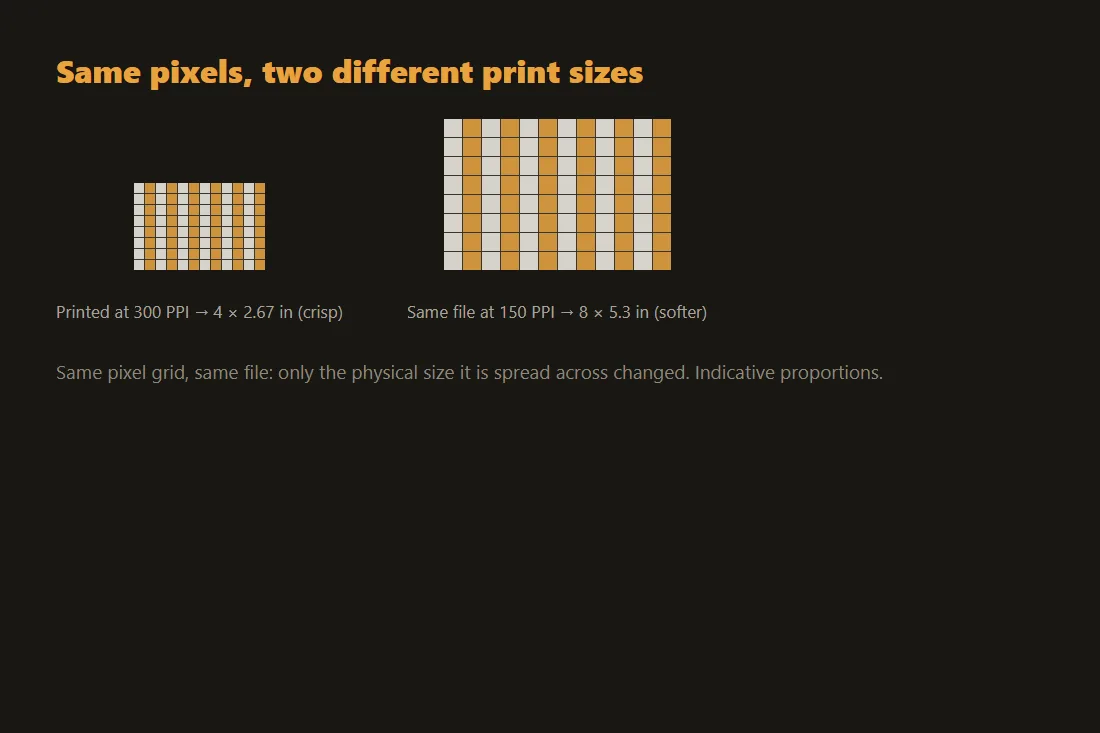
A 3000 by 2000 pixel photo has a fixed pixel count, but no fixed print size: printed at 300 PPI it comes out at 10 by 6.67 inches, at 150 PPI the same file covers 20 by 13.3 inches. Lowering the PPI setting does not add or remove any pixels, it just spreads the same pixels over more paper, which is why the identical file can look crisp at one size and visibly blocky at another: the pixel density on the page, not the file, changed.
300 is a print-shop convention, not a technical requirement
300 PPI became the common target because it sits comfortably above what most eyes can resolve individual dots at, at typical reading distance, for offset and inkjet printing; a magazine or a photo print aims for it, while a large banner viewed from several meters away holds up fine at 100 to 150 PPI because nobody stands close enough to see the difference. Screens work on a different logic entirely: a monitor or phone display has its own fixed pixel density and simply shows an image's pixels one to one or scaled, with no printing step involved.
Checking whether an image has enough pixels before you print
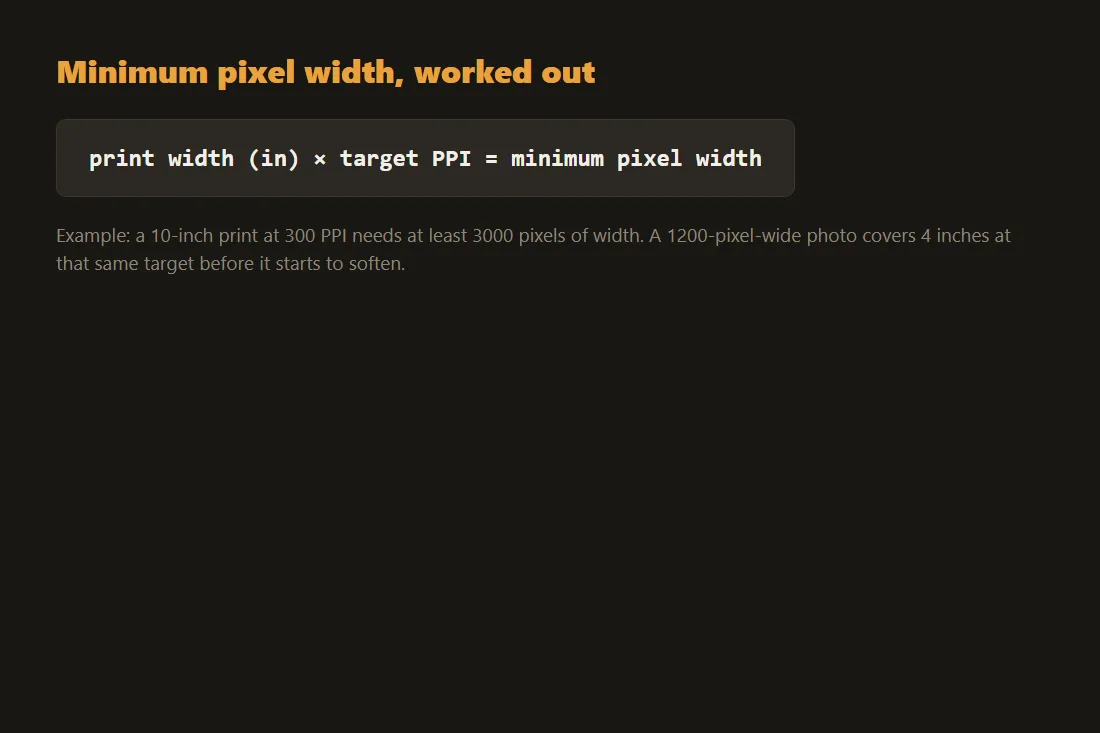
The only number that actually matters is the image's pixel dimensions compared against the size and PPI target you need: divide the desired print width in inches by the target PPI to get the minimum pixel width the file needs. A photo that is 1200 pixels wide will print acceptably at 4 inches at 300 PPI, but the same file stretched to fill a 12-inch print at that same target falls to 100 PPI, visibly softer, because the pixel count never changed.
Resizing and preparing an image for a specific print size
Our image resize tool lets you set exact target pixel dimensions before printing or converting to a PDF for a print shop, entirely in your browser, and our image-to-PDF tool packages the result into a single file at the size you need without a round trip through any server. Resizing up cannot recover missing detail, since PPI and DPI targets only ever redistribute pixels that already exist; the fix for a print that will look soft is starting from a higher-resolution capture, not a resize setting.
Tools in this article
Frequently asked questions
Does changing an image's DPI setting change its quality?
No. Changing a DPI or PPI metadata setting only changes how many of the image's existing pixels are mapped to each printed inch; it does not add, remove or alter a single pixel. Quality is set by the pixel dimensions of the file, not by that number.
What DPI do I need for a good quality print?
300 PPI is the standard target for photos and documents viewed at normal reading distance. Large-format prints viewed from further away, banners and posters, hold up fine at 100 to 150 PPI because the viewing distance makes individual dots impossible to distinguish anyway.
Why does my screenshot look fine on screen but blurry when printed?
A screen shows pixels one to one or scaled at its own fixed density, with no print-size calculation involved, so a modest pixel count can look sharp on a display. Printing spreads those same pixels across a physical page at a PPI target; if the file does not have enough pixels for that page size, the same image that looked crisp on screen prints visibly softer.