Article
QR code scams: check before you trust it
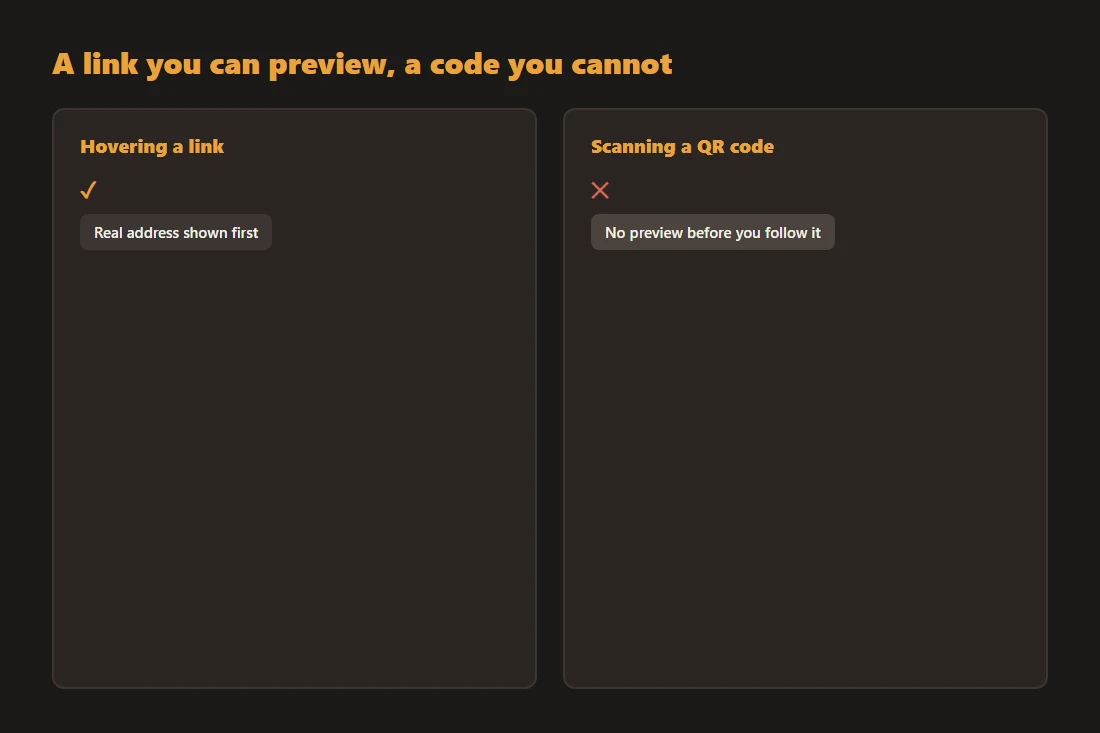
A phishing link is easy to inspect: hover over it and the real address shows in the corner of the screen. A QR code hides that same information behind a pattern of black squares, so scanning one is closer to clicking a link blind. Quishing, short for QR phishing, exploits exactly that gap. The Federal Bureau of Investigation and the Better Business Bureau have both published consumer alerts about it, which is a good sign it is worth a few seconds of caution.
What quishing actually is
Quishing is phishing delivered through a QR code instead of a link or an email attachment. The code itself is inert, it is just encoded text, usually a URL, but scanning it and following where it leads can land you on a fake login page built to steal a password, a payment page designed to take money under a false pretext, or a prompt to install something you did not intend to. The scam depends entirely on what happens after the scan, not on the code as a static image.
Where it shows up
Common cases reported by the FBI and the BBB include a fraudulent sticker placed over a legitimate QR code on a parking meter or a restaurant menu, a fake delivery notice with a QR code asking for a small "redelivery fee", and printed flyers or emails using a code instead of a written link specifically because it is harder for a reader to question. Any QR code asking for payment, login credentials, or personal details outside a context you expected deserves the same suspicion as an unexpected link.
Why it works
Scanning a QR code and tapping "open" has become a fast, near-automatic habit for many people, in a way that clicking a link rarely is anymore after years of phishing warnings. The destination URL is often shortened or unfamiliar, so even someone who does look cannot easily tell whether it points to the real business or a lookalike domain. Some scanning apps make it worse by opening the link immediately, with no confirmation step, the instant the code is recognized.
Checking a QR code before you trust it
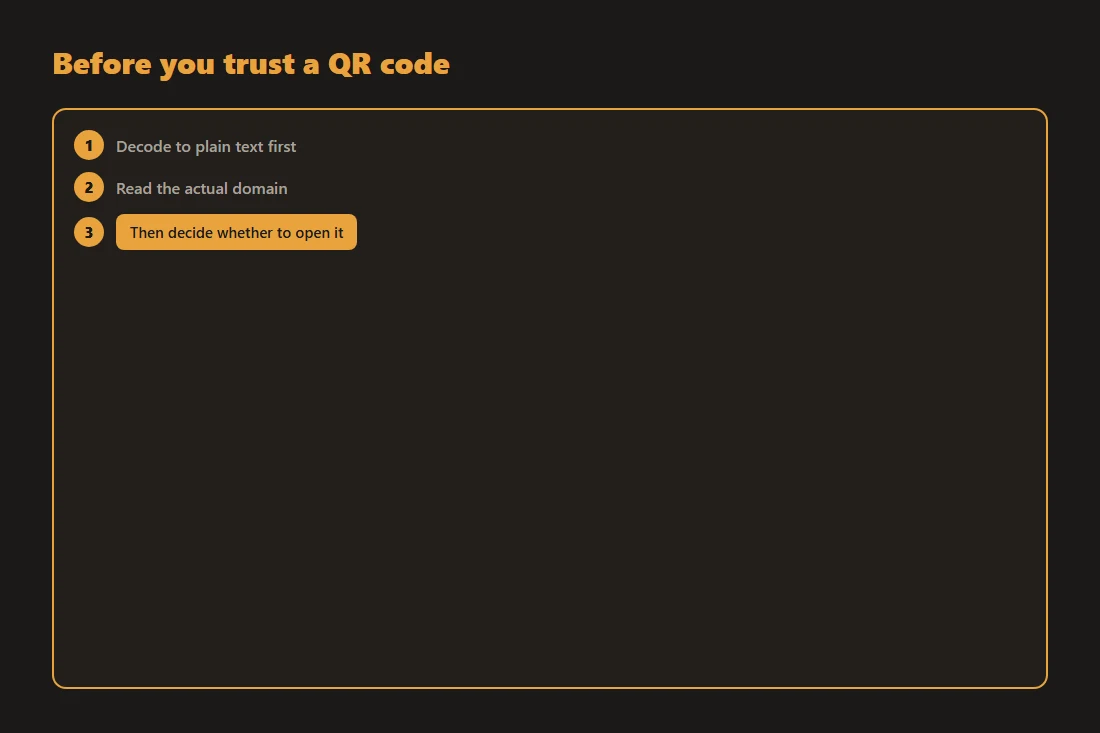
Prefer a scanner that shows you the decoded text or URL first and lets you decide, rather than one that opens the link automatically. A tool like qr-scan decodes a QR code from a photo or your camera entirely in your browser, so you can read the destination as plain text before opening anything, without the image or the result being sent anywhere. Once you can see the URL, check the actual domain rather than the surrounding text, and treat urgency, a request for payment, or a mismatched sticker over an official code as reasons to stop.
If you already scanned a bad code
Close the tab without entering anything if you have not already. If you did type a password or payment detail on a page you now suspect was fake, change that password and check for unfamiliar activity on the affected account or card, the same steps you would take after clicking a bad email link. Acting within the first few minutes matters more than which specific tool flagged the problem.
Tools in this article
Frequently asked questions
What is quishing?
Quishing is a phishing attack delivered through a QR code instead of a link or an email. The QR code encodes a destination, usually a URL, that leads to a fake login page, a fraudulent payment request, or an unwanted download. The word blends "QR code" and "phishing".
Can scanning a QR code install malware on its own, without me doing anything else?
A QR code by itself just encodes text, most often a URL; scanning it with a plain decoder that only shows you that text does not run anything. The risk comes from what happens next: opening a malicious link, downloading a file from it, or entering credentials on a fake page it leads to. Checking the decoded destination before opening it removes most of the danger.
How do I check whether a physical QR code sticker is safe before scanning it?
Look closely for a sticker placed over another code, which is a common quishing method on parking meters and menus. For anything involving payment, verify with the business directly through a different channel, such as their listed phone number, rather than the code alone. Where possible, decode the code to plain text first and read the actual domain before opening it, the same way you would check a link before clicking it.