Article
Color tools for the web: hex, palettes and accessibility
Picking colors for a website looks simple until you face hex codes, RGB triplets and HSL angles that all describe the same thing in different ways. This article explains how those formats relate, how to turn a single brand color into a usable palette, and how to make sure the result stays readable for people who see color differently.
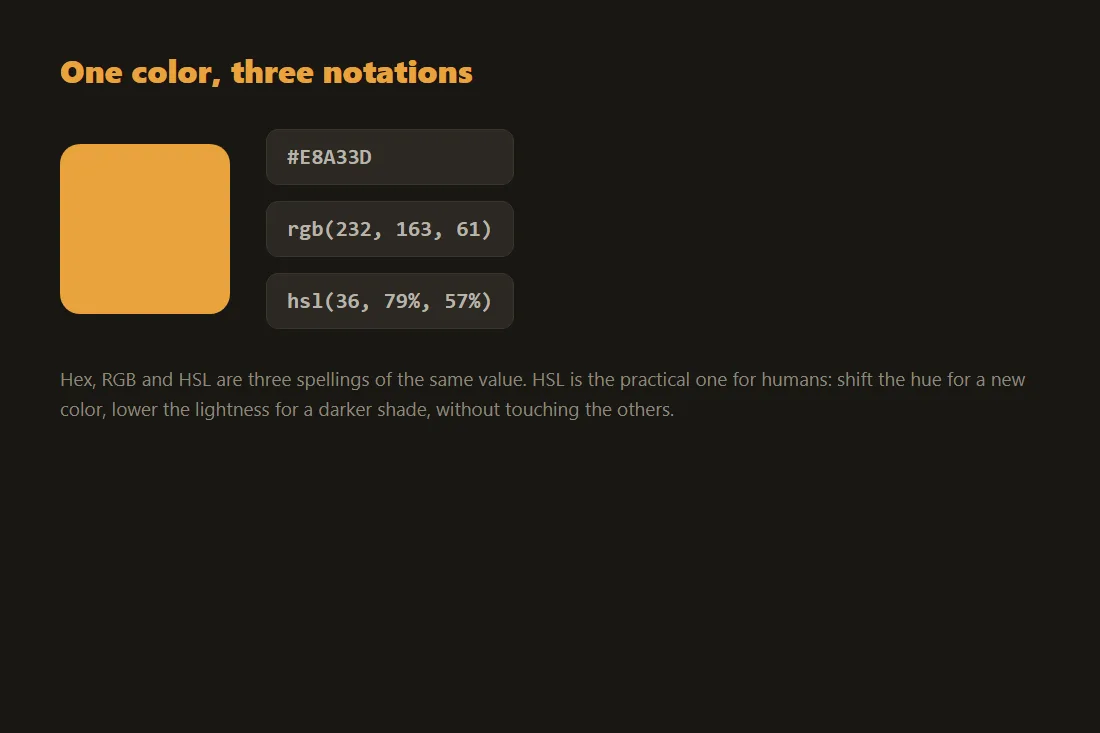
Hex, RGB and HSL describe the same color
A color on screen is mixed from red, green and blue light. Hex notation writes those three channels as a six-character code such as #2563eb, where each pair of characters is one channel from 00 to ff. RGB writes the same three numbers in decimal, from 0 to 255, which is easier to read but says nothing more. HSL takes a different angle: it describes a color by its hue (a position on the color wheel from 0 to 360 degrees), its saturation (how vivid it is) and its lightness (how close to white or black). HSL is the format designers reach for when they want to nudge a color, because raising the lightness or shifting the hue is a single intuitive change rather than three coupled numbers. A converter lets you move between all three so you can read a value in one format and use it in another.
Turning one color into a palette
A single brand color is rarely enough. A working palette usually needs a primary color, one or two accents, and a set of neutral grays for text and backgrounds. The relationships between colors follow simple rules on the color wheel: complementary colors sit opposite each other, analogous colors sit next to each other for a calm feel, and a triadic set spreads three colors evenly for contrast without clashing. A color scheme tool applies these rules to your starting color and gives you the matching hex codes, so you do not have to compute the angles by hand. If you already have an image whose mood you like, a palette extractor reads the dominant colors out of it, which is a fast way to base a site on a photograph or a logo.
Contrast and color blindness
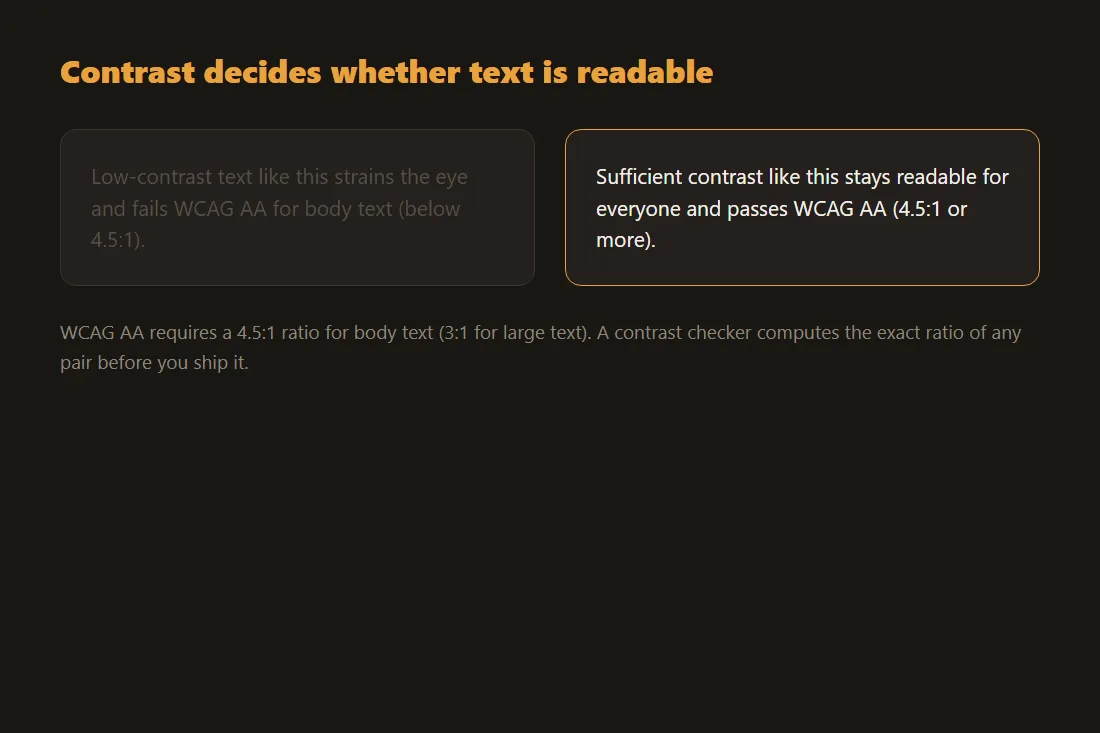
A palette that looks good on your screen can still fail readers. Roughly one in twelve men and one in two hundred women have some form of color vision deficiency, most commonly difficulty separating red from green. If your only signal for an error is red text on a green button, those readers miss it. The fix is not to avoid color but to never rely on color alone: pair it with an icon, a label or a shape, and keep enough lightness contrast between text and its background. A color-blindness simulator shows you how your palette looks under the common types of color vision, so you can catch a problem before it ships rather than after a complaint.
Doing all of this in the browser
None of these steps need a server. Converting a hex code, generating a scheme, reading colors out of an image and simulating color blindness are all small computations that a browser handles instantly. That matters when the image you are sampling is an unreleased design or a client logo: with the tools here, the file stays on your device and nothing is uploaded. You get the same result you would from an online service, without handing over the artwork. The color converter, color scheme generator, palette extractor and color-blindness simulator all run locally and work the same way offline once the page has loaded.
OKLCH and wider color spaces
Hex, RGB and HSL all describe colors inside the sRGB gamut that screens have used for years. Newer displays show more, and CSS can now reach it with the color() function and the Display P3 space, which adds vivid greens and reds that sRGB cannot represent. The bigger shift is OKLCH, a way of writing color as lightness, chroma and hue that tracks how the eye actually perceives brightness. In HSL a yellow and a blue at the same 50% lightness look nothing alike: the yellow reads bright, the blue reads dark. In OKLCH, holding the lightness fixed and changing only the hue keeps the perceived brightness steady. That makes it practical to build a palette where every shade hits the same contrast target by locking one number, instead of hand-tuning each color.
Tools in this article
- Color ConverterConvert colors between HEX, RGB, HSL, HSV and CMYK. WCAG contrast checker included. No upload.
- Color Scheme GeneratorGenerate complementary, analogous, triadic, tetradic and monochromatic palettes from a base color. No upload.
- Color palette extractorExtract dominant colors from an image as HEX swatches. Copy any color. No upload.
- Color blindness simulatorSimulate protanopia, deuteranopia, tritanopia and achromatopsia on an image. No upload.
Frequently asked questions
What is the difference between hex and RGB?
They are two ways of writing the same color. Hex packs the red, green and blue channels into a six-character code in base 16, while RGB lists the same three channels as decimal numbers from 0 to 255. #ff0000 and rgb(255, 0, 0) are the identical red. Hex is compact and common in CSS and design files, RGB is easier to read at a glance, and converting between them changes nothing about the color itself.
How do I know if my colors are readable for color-blind users?
Run your palette through a color-blindness simulator, which redraws your colors as someone with each common type of color vision would see them. Watch for pairs that collapse into the same shade, especially reds and greens. The safest habit is to never use color as the only cue: back it up with text, an icon or a pattern, and keep a clear lightness difference between foreground and background so the meaning survives even when the hue does not.