Article
Making a favicon from a PNG
A favicon is a small graphic that browsers display in tabs, bookmarks, and history lists. Getting it right involves more than resizing a logo: the .ico format packs multiple resolutions into one file, modern browsers prefer PNG, mobile devices have their own apple-touch-icon, and web app manifests need their own icon set. This article covers each piece and explains how to produce the whole set from a single source PNG.
What a favicon is and where browsers use it
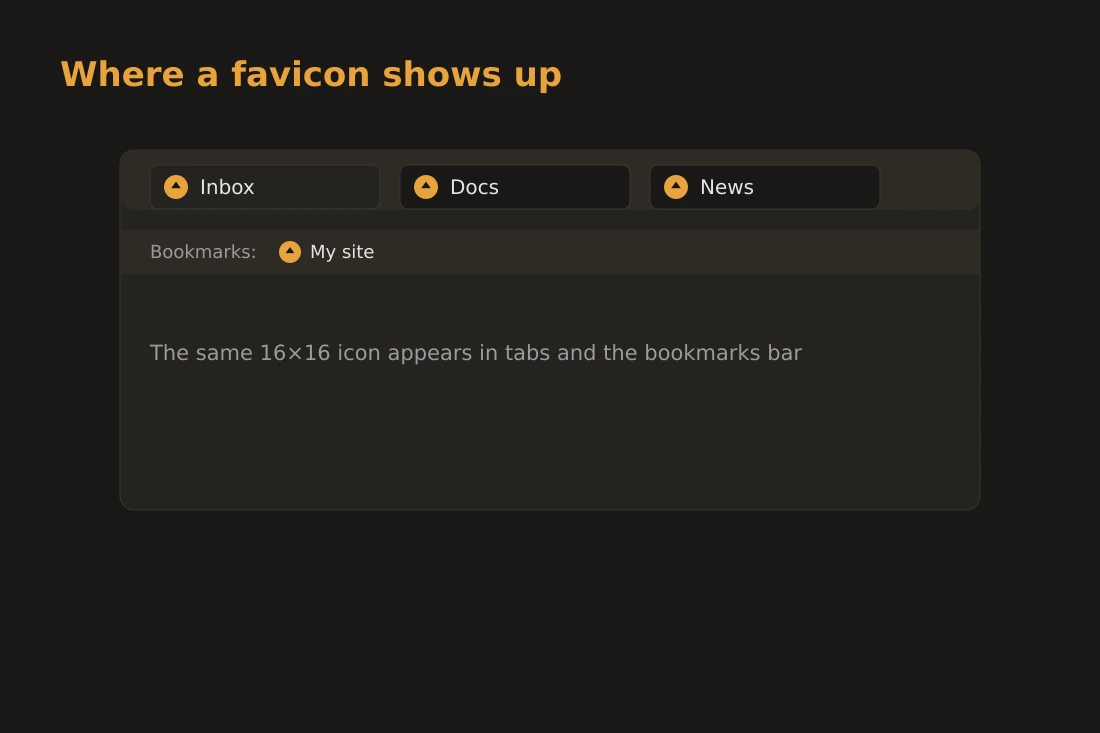
The word favicon is a contraction of "favorite icon". Browsers first displayed it in the address bar in Internet Explorer 5 (1999), then adopted it for bookmarks. Today it appears in browser tabs, the bookmarks toolbar, browsing history, the new-tab page on some browsers, and operating system taskbars when a site is pinned. On mobile, if a user adds a site to their home screen, the device uses a related but distinct image called the apple-touch-icon rather than the standard favicon. Search engines sometimes show favicons next to results in their interface. The graphic is small by design, which makes it effective for quick visual identification but also demanding to produce well: at 16x16 pixels, a detailed logo becomes an indistinct smear. The favicon file itself has gone through several formats over the decades, with .ico remaining the most broadly compatible and PNG now the modern default for most browsers.
The .ico container: multiple resolutions in one file
The .ico format is a container, not a single image. A single .ico file can hold multiple bitmap images at different resolutions, each stored as a separate entry in an index at the start of the file. The three most common sizes are 16x16, 32x32, and 48x48 pixels. When Windows displays a favicon in Explorer or on the taskbar, it picks the entry that matches the display context best. Older Windows versions needed a 48x48 entry for high-density taskbar slots. Browsers request the favicon at 16x16 for tabs but may use a larger entry if a higher-density display is detected. Packing all three sizes into one .ico file means a single HTTP request covers every use case. Distributing them as separate PNGs is also valid but requires extra link tags and adds HTTP requests. The internal images inside an .ico file are standard BMP or PNG data, so the container adds only a small header overhead per entry.
Designing for tiny sizes: simplify the mark
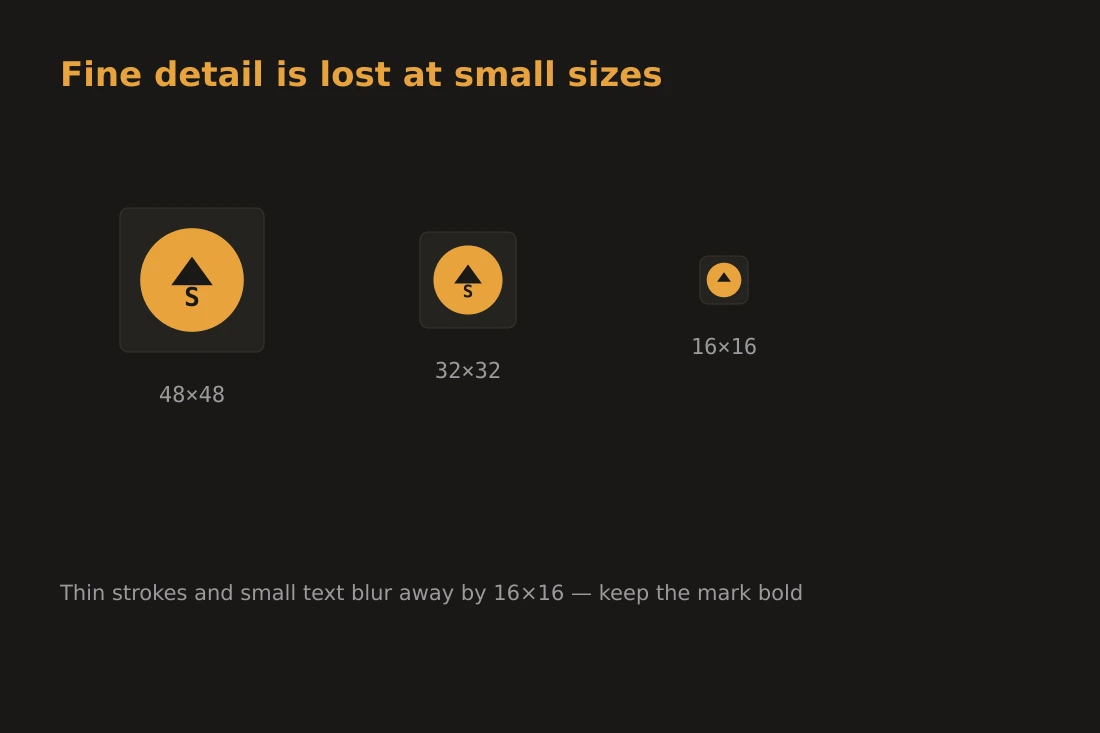
At 16x16 pixels you have 256 pixels total. A typical logotype with a wordmark or fine details becomes illegible at that size. The standard approach is to create a simplified mark: a single letter, an abstract shape, or an icon that represents the brand without relying on detail. A few specific problems to anticipate: thin strokes disappear entirely at small sizes, especially on non-retina screens. Letter pairs and negative-space details merge into gray noise. Gradients become barely visible. High contrast between the mark and its background is the single biggest factor in legibility. A solid shape on a plain background almost always reads better than a detailed illustration at 16x16. The 32x32 and 48x48 sizes are more forgiving and can support a bit more detail, but the 16x16 version should be treated as the binding constraint. If the mark still does not read at 16x16, the design needs further simplification.
The modern set: .ico, PNG icons, apple-touch-icon, manifest, and HTML link tags
A complete favicon setup for a public site currently needs five things. First, a favicon.ico at the root of the site (browsers request /favicon.ico directly without a link tag as a fallback). Second, a 32x32 PNG for modern desktop browsers, declared with a link tag: `<link rel="icon" type="image/png" sizes="32x32" href="/favicon-32x32.png">`. Third, a 16x16 PNG for the tab size: `<link rel="icon" type="image/png" sizes="16x16" href="/favicon-16x16.png">`. Fourth, an apple-touch-icon at 180x180 pixels for iOS home screen bookmarks: `<link rel="apple-touch-icon" sizes="180x180" href="/apple-touch-icon.png">`. Fifth, a web app manifest (site.webmanifest) with a 192x192 and a 512x512 PNG for Android and progressive web apps. Transparency is supported in PNG and in the PNG-encoded entries inside .ico, though the apple-touch-icon should have an opaque background because iOS ignores the alpha channel and fills transparent areas with black.
Doing it locally: favicon-generator keeps your image on your device
The favicon-generator on this site takes a PNG and produces the complete set: a multi-resolution favicon.ico packed with 16x16, 32x32, and 48x48 entries, the individual PNG sizes for direct link-tag use, and the 180x180 apple-touch-icon. All of this happens in your browser using the Canvas API and a JavaScript .ico encoder. Your source image is never uploaded anywhere; it stays on your device. This matters when the source file is a company logo or any asset that should not leave your machine before you control where it goes. Each generated file is offered as its own download, using the conventional filenames. You copy them to the root of your site and add the corresponding link tags to your HTML head. If your source logo has fine details that do not survive the 16x16 render, you can crop or simplify it before dropping it into the generator, or supply a different source image specifically prepared for the favicon.
Tools in this article
Frequently asked questions
Do I still need a favicon.ico if I declare PNG link tags?
Yes, for two reasons. First, browsers that do not read your HTML (web crawlers, RSS readers, some old mobile browsers) look for /favicon.ico directly at the root of the domain. If that file is absent they generate a 404 request on every page load, which adds noise to your server logs and a small unnecessary round trip. Second, older versions of Internet Explorer only recognize the .ico format and ignore PNG link tags. Providing both covers all cases.
Can I use an SVG as a favicon?
Chrome and Firefox support SVG favicons via `<link rel="icon" type="image/svg+xml" href="/favicon.svg">`. Safari does not support SVG favicons. Because SVG favicons are resolution-independent they look sharp on any display density, including retina screens, without needing multiple size variants. The practical recommendation is to declare the SVG link tag for browsers that support it and still include the .ico fallback for complete coverage. SVG favicons can also include a `prefers-color-scheme` media query to switch between a light and dark version automatically.
What image should I start from to get the best result?
A square PNG at 512x512 or larger with a transparent background gives the most flexibility. Starting large and downscaling preserves more detail than starting from a small image. If your main logo includes a wordmark, consider preparing a separate simplified version showing only the icon or mark, because the text will not be readable at 16x16 regardless of the source resolution. High contrast between the mark and its background is the most reliable predictor of whether the small sizes will read clearly.